Live Google Gemini for Executive Assistants Masterclass
Make Gemini your most powerful productivity partner inside Google Workspace
Google Gemini for Executive Assistants is a live, three-hour online masterclass for Assistants whose organisation uses Google Workspace. You’ll learn how to use the Gemini app and Gemini in Gmail, Meet, Drive, Docs and Sheets for the work you do every day, from getting through your Executive’s inbox to taking notes in meetings. By the end of the session, you’ll have workflows you can start using the next morning.
NEXT DATE
Tuesday 8th December 2026
Time: 11am ET | 4pm GMT
Format: Live on Zoom, 3 hours
You've got Gemini. Has it changed your week yet?
Gemini is now built into Gmail, Docs, Sheets, Slides and Meet, but most of the Executive Assistants we speak to are only scratching the surface. Many were given access with very little training. Once Gemini becomes part of how you work, your week can look very different, with more of your time going on the work your Executive relies on you for.
In this masterclass, you’ll learn alongside other Executive Assistants working on the same things, with plenty of time for questions along the way.
What would an hour a week be worth?
Think about last week and how long you spent drafting emails, summarising meetings and pulling documents together for your Executive. If Gemini saved even one hour a week, that adds up to more than 40 hours a year. That’s more than a full working week back to spend on the parts of the role that need you.
This is for you if
- Your organisation uses Google Workspace and you have access to Gemini, or will have before the Masterclass date.
- You've tried Gemini, but it hasn't become part of how you work yet.
- You support one or more Executives and would like to spend less time on the routine parts of the role.
- You've never used Gemini at all. We start from the beginning, so you won't be left behind.
It isn't for you if
- Your organisation uses Microsoft 365 rather than Google Workspace. Our Copilot masterclass will suit you better, and we run Claude and ChatGPT masterclasses too.
How it works

Book your date
Pick the date that fits around your diary. As soon as you've booked, you'll get an email confirming your place, and your Zoom joining details will follow before the session.

Join us live
The masterclass runs for three hours. Lauren works through each part on screen, and it helps to have Gemini open in another window so you can try things as she goes. There's time to ask questions throughout so you'll never feel left behind.

Use what you've learnt
The day after the Masterclass, we'll send you the recording, the slides and your bonuses. Start with one workflow, get comfortable with it, then add the next. A few weeks later, you can bring any questions to Lauren's quarterly Q&A.
What we cover in Google Gemini for Executive Assistants
The masterclass is split into three parts, and each one ends with something you can use straight away. Lauren updates the content before every date, so you’re always learning the current version of Gemini.
Part one
Getting started with Gemini
We start with what Gemini adds to Google Workspace, the habits that keep your results accurate and professional, and Lauren’s guidance on asking Gemini for what you need.
Then we tour the Gemini app. You’ll find your way around it, connect it to your Google tools and other apps, and create content such as images. Lauren also gives you a quick introduction to Gemini’s tools and to Skills, so you know what’s there when you’re ready for it.
By the end of part one, you’ll know your way around Gemini and how to get a better answer the first time.
Part Two
Gemini in Gmail, Meet and Drive
Next, we bring Gemini into your inbox, your meetings and your files. In Gmail, you’ll summarise long threads and pull out the actions, search your mailbox, and use Help me schedule to find a time for a meeting.
In Meet, you’ll see Take notes for me, how to Ask Gemini during a meeting, and speech translation and translated captions for meetings across languages. In Drive, Lauren shows you how Gemini Projects can summarise a whole collection of files and folders, such as the papers for a board meeting.
By the end of part two, you’ll have seen Gemini handle EA tasks from start to finish, in the apps you use every day.
Part Three
Gemini in Docs and Sheets, and Workspace Studio
Finally, we use Gemini to create and refine documents in Docs, including generating and editing images without leaving the page. In Sheets, you’ll create spreadsheets, edit data, write formulas and build pivot tables, and try the Build and Canvas tools.
We finish with a short introduction to Workspace Studio, which automates the jobs that repeat, so you know what to explore next.
You’ll leave with workflows you can start using the next morning.
What's included
When you book a live place, this is what you get:
The live masterclass with Lauren. Three hours on Zoom, with time for your questions throughout.
The recording, slides and resources. We send these the day after, and you can access them for three months.
A certificate of completion. Useful for your own records, or for your organisation’s learning and development team.
Included with every live Masterclass
Your two bonuses
Three hours of Google Gemini for Executive Assistants will get you started. These bonuses are there for the weeks afterwards, when you’re back at your desk and want Gemini to keep saving you time.
Bonus 1
Productivity Hacks for Assistants
30 productivity templates to help you manage your time and keep things running smoothly for your Executive. Normally sold separately. Yours the day after your masterclass.
Bonus 2
A place at Lauren's quarterly Q&A
Some questions only come up once you’ve been using Gemini for a few weeks. Every quarter, Lauren runs a 45-minute live Q&A for everyone who attended a Copilot or Gemini masterclass in the previous three months, so you’ll have somewhere to bring them.

Your trainer
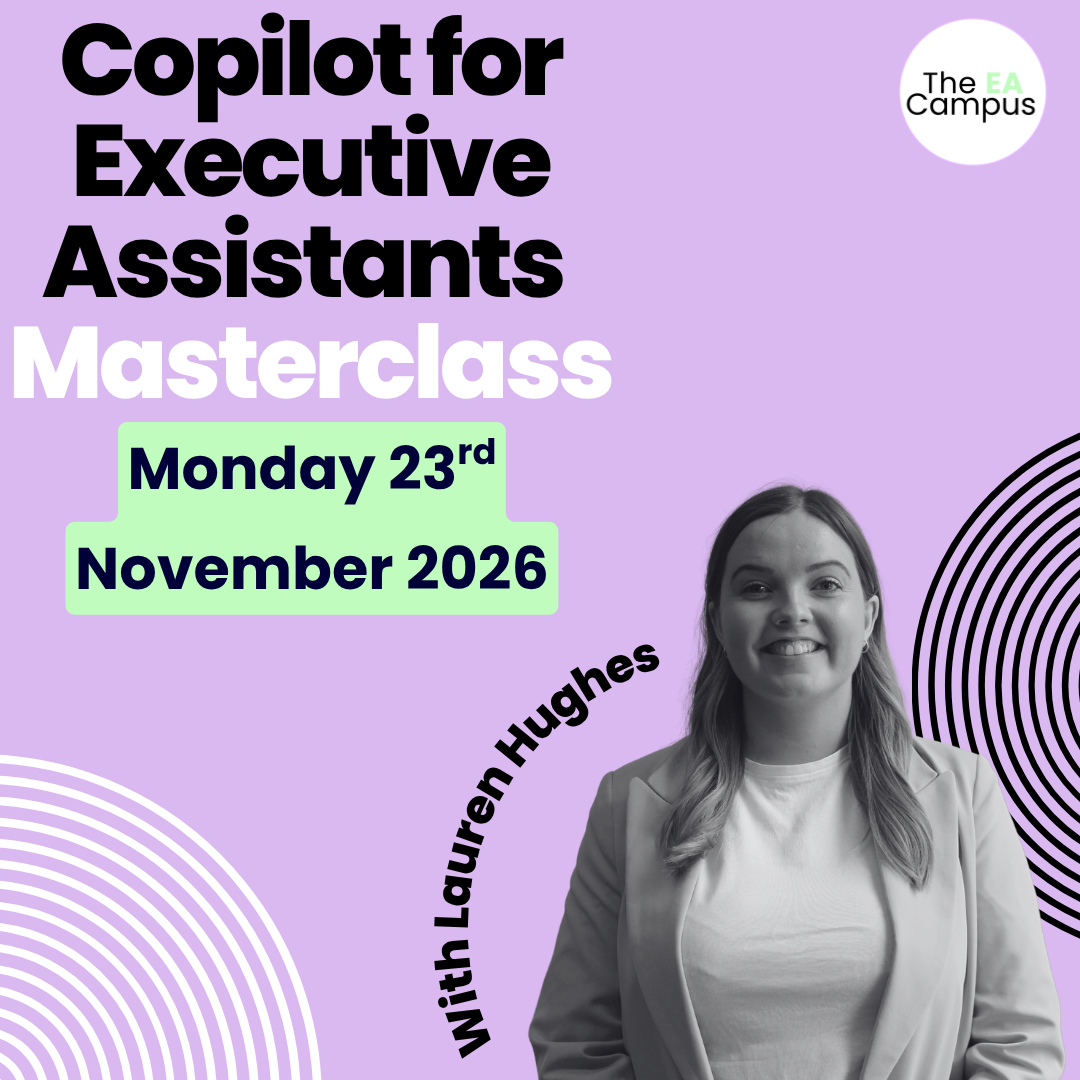
Lauren Hughes, CloudShed
Lauren has 9 years of Microsoft 365 training experience. In that time she has trained organisations from the Cabinet Office London to Time Out Magazine NYC. Lauren runs sessions that are delivered worldwide every week.
At The EA Campus, Lauren runs our Copilot and Gemini masterclasses. She knows the questions EAs ask because she hears them at every session, and she builds each Masterclass around the work you do for your Executive.
What EAs said afterwards
Book your place
Pay in your own currency
Live Masterclass
-
3 hour LIVE Masterclass
-
Recording, slides and resources
-
Access to the post-masterclass recording for three months
-
Certificate on completion of the Masterclass
-
BONUS: Productivity Hacks for Assistants
-
BONUS: A place at the quarterly Q&A
Recording
Can't make a live date?-
Perfect for EAs who need more flexibility or cannot attend live
-
Full Masterclass recording
-
All slides and downloadable resources
-
Three months of access
Booking for your team?
If three to five of you book places on the same date, 10% comes off each place automatically in the basket. For six or more people, a private masterclass for your team might work out better, and we can tailor it to the way your organisation uses Gemini. Ask about a private class.
Paying through work?
Pay by card or get in touch for an invoice. Purchase orders welcome.
2026 & 2027 dates
Every masterclass lasts three hours and starts at 4pm UK time, which is 11am US Eastern. The early bird price ends at 11.59pm UK time on the date shown.
Date | Time | Early bird ends | |
|---|---|---|---|
Tue 8 Dec | 4pm UK · 11am ET | No early bird | BOOK 8 DEC |
Wed 24 Feb | 4pm UK · 11am ET | Fri 5 Feb | BOOK 24 FEB |
Wed 6 Oct | 4pm UK · 11am ET | Fri 17 Sep | BOOK 6 OCT |
Need sign-off first?
Most Executive Assistants who book with us are funded by their organisation, so you’re very likely not the first person to ask. To make the conversation easier, download our course brochure and business case to share with your Executive or your learning and development team. Both have helped hundreds of Assistants get their organisation to cover the cost.
Join Our Next Masterclass
Events
List of events in Photo View

Have Questions? We have answers.
Get answers to make the best choice for you.
EAs, PAs and Executive Assistants whose organisation uses Google Workspace, who’ve tried Gemini but haven’t made it part of their week yet.
Yes, you will need to have a Gemini licence to take the Masterclass. The Masterclass is interactive and will include students working on Gemini during the training. If you’re not sure whether you have one, your IT team will know.
Every date runs 4pm to 7pm UK, which is 11am to 2pm US Eastern.
Check on WorldTime Buddy to confirm your timezone.
Yes. It arrives the day after, with the slides and resources, and stays available for 3 months.
Yes, get in touch with us. We will send you an invoice for the course. We also offer discounts for teams of Assistants.
Prices are shown before VAT. UK buyers pay VAT at 20%. Those outside the UK do not pay VAT.
Book 3 to 5 places on one date and 10% comes off automatically. For six or more, we can run a private class for your team.
Please contact us, and we will review your request. Full Terms & Conditions can be reviewed here.
If you mainly use Gemini to draft emails, parts two and three will give you plenty to take away, including Gemini in Meet and Drive and an introduction to Workspace Studio.
Yes, subject to availability. Get in touch for more details.
Absolutely! We have many Assistants from all over the world who have completed the masterclass. The strategies you’ll learn in this Masterclass are universally applicable.
