THE EA CAMPUS
VIRTUAL SUMMIT

START SMART 2026

Get organised. Get strategic. Get ahead.

You don’t need a new planner. You need a system that actually works. Join us for a one-day online event where leading Executive Assistants and productivity experts share how to design smarter workflows, harness AI with confidence, and set up your 2026 for clarity and control. Because when your systems work, everything else does too.

REAL SYSTEMS
REAL STRATEGY
REAL RESULTS

Assistants don’t need more tools. They need systems that work.
As AI reshapes how we manage time, communication, and priorities, the role of the modern EA is evolving fast. This Summit is your space to pause, reset, and design a way of working that’s smarter, calmer, and built for what’s next. Over four focused hours, you’ll explore how to bring order to a busy calendar, use AI tools like ChatGPT with confidence, communicate in ways Executives instantly recognise, and build a 90-day plan that turns goals into genuine progress. Because working strategically means focusing on what matters most and getting results.

The Real State of EA Careers:
Inside the 2025 Salary Survey

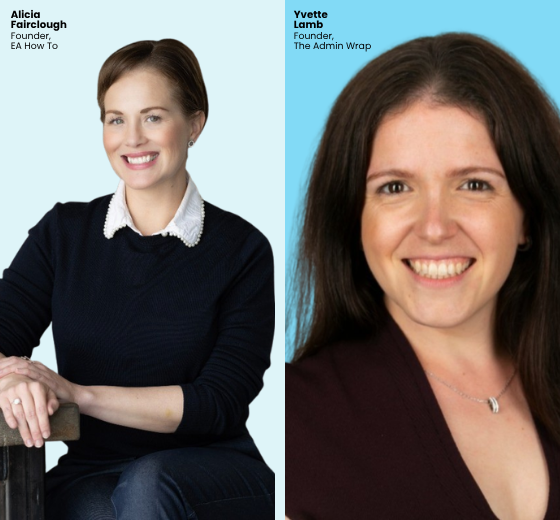
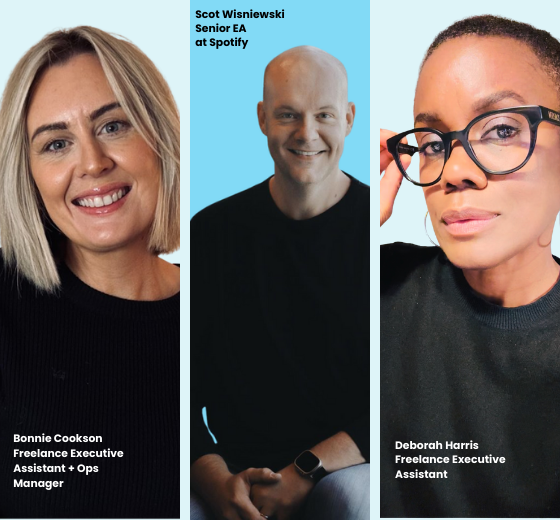
In this data-driven session, Alicia Fairclough, Founder of EA How To, and Yvette Lamb, Founder of The Admin Wrap, authors of the 2025 EA Salary Survey, unpack what this year’s findings reveal about where the EA profession is heading next. They’ll share how pay, progression, and career satisfaction connect and what the data says about how Assistants can grow their value and influence in 2026. Expect clear insight, practical context, and a fresh perspective on how to plan your career with confidence and purpose.

Why Curiosity Will Define Your EA Career in 2026

The EAs who thrive in 2026 will be the ones who stay curious, adaptable, and tech-fluid. The truth is simple: technology is outpacing old EA habits. There are two dozen project management systems on the market. Half of all organizations run on Google Workspace. AI is now sitting in every app we touch. If your skill set is locked into a narrow tool stack, you’re limiting your opportunities before you even apply.
 
In this session, we’re cutting through the noise about tech and AI so you can understand what actually matters for your career. You don’t need to be an expert in everything – but you do need to be open, willing, and ready to learn quickly.
Clarity, Focus and Follow-Through:
Turning Plans into Real Impact

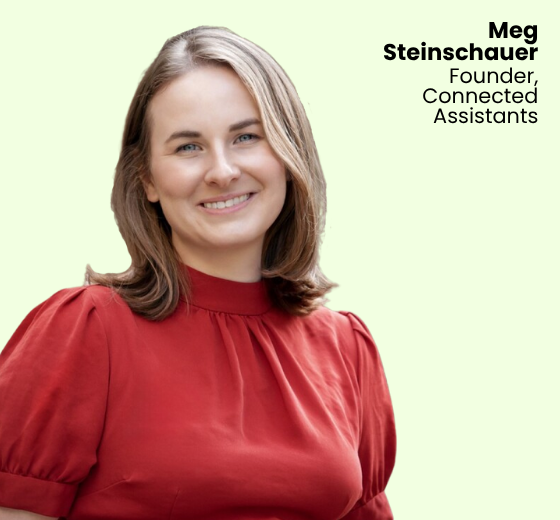
In this session, Meg will explore how Executive Assistants can bring calm, clarity, and credibility to the ever-changing demands of leadership support. Drawing on her work through Connected Assistants, Meg will unpack what it really means to lead from the middle — influencing without authority, building trust in the grey areas, and creating structure that keeps pace with complexity.

She’ll share practical strategies for setting boundaries that stick, protecting your focus in high-pressure environments, and communicating with intention when everything feels urgent.

Setting ChatGPT Up For Success

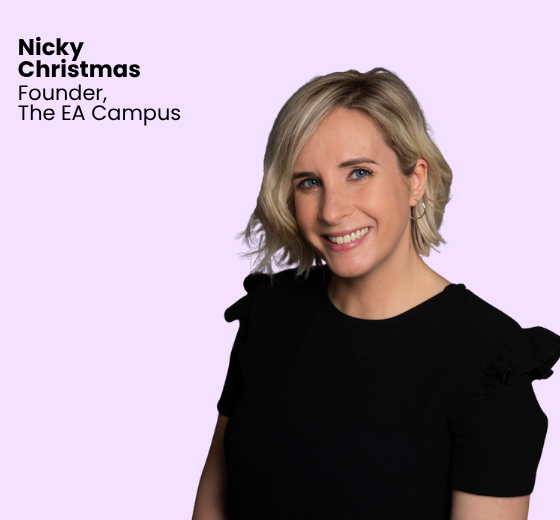
In this practical, hands-on session, Nicky Christmas, Founder of The EA Campus, walks you through how to set up ChatGPT so it actually works the way you do. You’ll see how to personalize your settings, use memory effectively, and create your own EA Digital Twin so that ChatGPT understands your tone, your Executive’s preferences, and the way you work.

Nicky will also share when to lean on AI, when to apply your own judgement, and how to get reliable results without endless editing. If you’ve ever felt like ChatGPT doesn’t quite “get” you, this session will show you how to change that.

How Top EAs Manage Complex Schedules and Competing Demands

This panel brings together experienced Executive Assistants who’ve mastered balancing competing demands, protecting focus time, and keeping their leaders (and themselves) one step ahead.

Discover what really matters when the calendar is already full, how to set boundaries and protect thinking time, and how to handle constant changes, last-minute requests, and back-to-back meetings. Learn how strong relationships make rescheduling, pushing back, or saying no easier, and how tech, templates, and consistent routines help them stay proactive instead of reactive.

Copilot for Executive Assistants. Practical ways to work smarter in the inbox

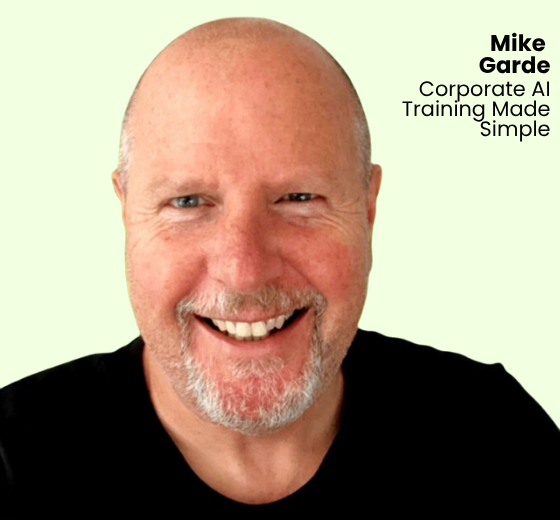
AI tools are changing how Assistants manage communication, and nowhere is that more visible than in Outlook. In this session, AI trainer Mike Garde will walk you through how Copilot can support the way you triage email, manage volume, and keep your executive focused on what matters. You’ll see practical, real examples of how Copilot can summarise threads, draft replies that still sound like your executive, and highlight priorities without adding more steps to your day.

Scheduling that actually works. How smart tools and simple rules save hours every week

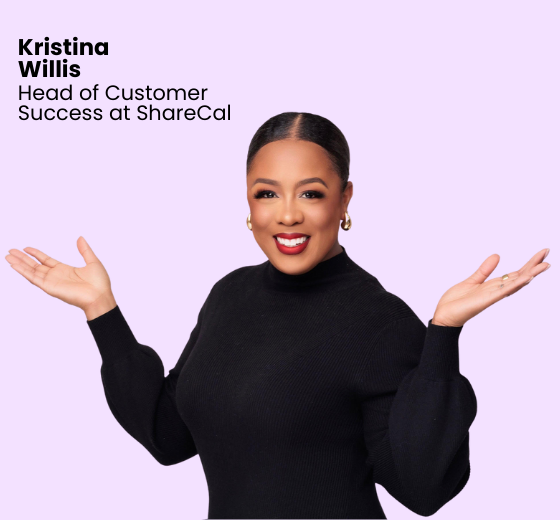
If your Executive’s calendar feels a bit higgledy piggledy and your inbox is a wall of meeting requests, this session is for you. Former EA and now ShareCal’s resident EA advocate, Kristina Willis, will share the practical workflows she sees working for Assistants who are managing high-volume scheduling, complex time zones, and last-minute changes for senior leaders. You will see how EA teams use polls, booking links, and a few smart ShareCal settings to cut out the back-and-forth while still keeping control of the calendar. 

Join us for four hours that will transform your career.

Whether you’re managing a demanding Executive, juggling shifting priorities, or trying to bring calm to a packed calendar, The EA Campus Virtual Summit is built for you.

Across a series of practical sessions, you’ll learn how top Assistants manage complex schedules, protect focus time, and create structure that supports better decisions, for both you and your Executive.

With three ticket options available, there’s a choice to suit every Assistant, whether you’re joining individually, with colleagues, or as part of a wider team.

Pay in your chosen currency.

Individual Ticket

1 individual license
£75
  • 7 tailored sessions for Assistants (Watch Live)
  • 3-month access to all session recordings (Watch at Your Leisure)

Group Ticket

10 individual licenses
£600
  • 7 tailored sessions for Assistants (Watch Live)
  • 3-month access to all session recordings (Watch at Your Leisure)
  • Save up to 30% compared to individual tickets

Enterprise Ticket

40 live licenses + unlimited post-event licenses
£1,500
  • 7 tailored sessions for Assistants (Watch Live)
  • 12-month access to session recordings (Watch Anytime)
  • Multi-location access so teams across multiple offices can participate
  • Great for organizations with large teams or global offices
Our virtual summits are pretty iconic

but don’t just take our word for it

Frequently asked questions

Yes. The replay will be available from Wednesday, 28th January. You will have access to the replay for three months.

No. Refunds are not offered. You will have access to the replay for three months, so you can watch the event on your own schedule. You can see our full refund policy here

We’ll be streaming the entire Virtual Summit live and on repeat for 24 hours, starting at 0:00 AM GMT on Tuesday 27th January.

That means no matter where you are in the world – Sydney, San Francisco, Singapore or Scotland – you can join live at a time that works best for you.

Here’s how it works:
We’ll begin the summit at 0:00 AM GMT and then replay the full four-hour programme 6 times throughout the next 24 hours. You can tune in when it suits your schedule, whether that’s morning, afternoon, evening, or even overnight.

And yes, the live chat will run throughout the 24-hour window, so you’ll still be able to interact with fellow Assistants, ask questions, and swap ideas in real-time, just like you would at any of our Virtual Summits.

This format is all about flexibility and inclusion. Whether you’re working a packed diary or logging in from the other side of the world, you’ll still get the full summit experience, your schedule, your way, with a global community of Assistants learning right alongside you. If you want to check your timezone, we recommend World Time Buddy.

We accept BACS payments for Group and Enterprise Tickets. Individual Tickets must be paid by credit or debit card. We also accept PayPal Payments, Apple Pay, and Google Pay.

We use Crowdcast for The EA Campus Virtual Summits.