
Prioritization frameworks for EAs sound like something from a management course you were sent on once and never thought about again. But bear with me. Frameworks are such a great way to organize your work. Let’s take a typical day for an EA. Your Executive wants the board pack pulled forward, three people are chasing you about the offsite, there are forty emails in the inbox and at least six are flagged as urgent by people whose definition of urgent is not the same as yours, and somewhere underneath all of that is a task you’ve struggled to do, but actually matters and will make a big impact.
I’m guessing this sounds familiar?
As EAs, we triage work constantly, and most of us do it on instinct. Managing all of this work is something we are really good at, it is an amazing skill and only gets better with experience and exposure to high-pressured situations. But with that being said, a few prioritization frameworks for EAs and procedures you can lean on when you are in the middle of the whirlwind will help you stay grounded and in control of everything you have going on.
It is also worth noting that AI tools have a good understanding of these frameworks. When you type “sort this using the Eisenhower Matrix“, it knows exactly what you are talking about without writing a single line of instruction. So prioritization frameworks for EAs have become useful in a second way: not only as a method for your own work, but as a shorthand that gets a much better answer out of the AI you are using in a fraction of the time.
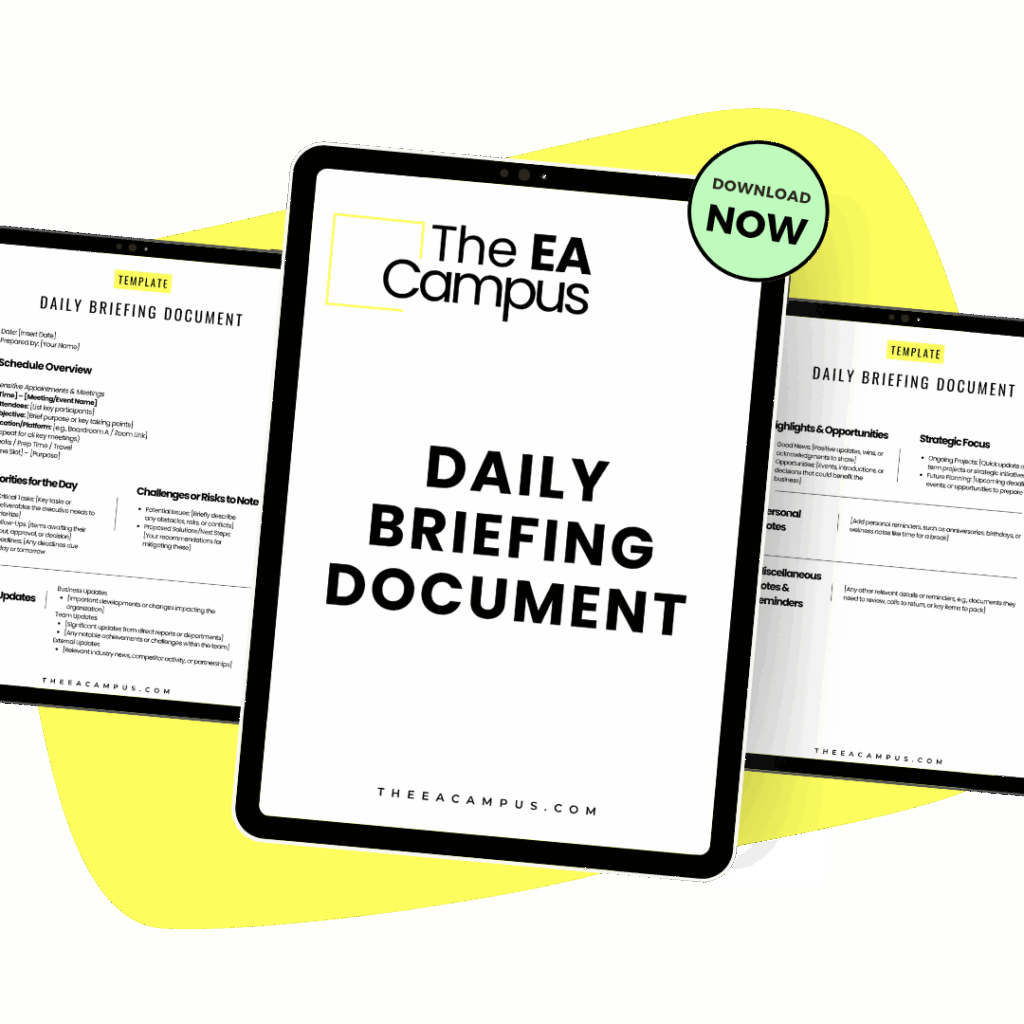
A ready-made one-pager covering the day’s schedule, priorities, risks and updates, so your Executive starts the day knowing exactly what needs them and what does not.
A framework is a set of instructions that somebody else has tested, written down and named. That is all it is. It takes a messy pile of things and gives you an order to do them in, or a reason to not do some of them at all.
The reason the frameworks are so helpful, particularly now with AI, is that the good ones are documented everywhere. The AI already knows exactly what you want. So instead of writing a long prompt explaining that you want your tasks sorted by how soon they are due and how much they matter, and then explaining what to do with each group, you name the framework, and it fills in the rest.
You still need to understand what is going on and explain that to AI; you’ll still need to know what is low-impact, what is a priority, which person always has urgent requests (because they are so unbelievably disorganised), and which colleague really does require your Executive’s time. AI won’t know that unless you tell it, so you have to supply the context.
Here are five priortization frameworks for EAs that will help you with all of the things.
The Eisenhower matrix is well known for a reason, because it works. You put every task into one of four boxes: urgent and important, important but not urgent, urgent but not important, and neither.
It’s a great way to understand what you have going on, once you’ve categorized your work you’ll notice a lot of the work sits in that third box – urgent but not important. This is the work that takes up your time, is often urgent for someone else but not for you or your Executive and always takes up more time than anyone anticipated. These are the fires you spend your time putting out.
This is where prioritization frameworks for EAs are useful, providing you with language to push back on or delegate these requests. “This is urgent, but it isn’t important to us this week” is a much easier thing to say out loud than “no”.
When you are using the Eisenhower Matrix, with AI, try this prompt:
“Here is my task list for this week, plus my Executive’s calendar. Sort everything into an Eisenhower Matrix. Treat anything tied to the board meeting on the 14th as important. Ask me before you decide something is urgent, because you can’t tell from the wording.”
That last instruction is the one that matters. AI will read “ASAP” in a subject line and take it completely at face value, and we all know that plenty of those requests are not urgent at all; they have just been written by somebody who is panicking or who wants to be at the front of the queue, so you still need to use your judgement to make the call.
Also, it is worth noting that the Eisenhower Matrix works really well for the week ahead but isn’t all that helpful for anything further out, because nothing important ever looks urgent when it is six weeks away; there are other frameworks you can use for future planning.

The Ivy Lee Method is over a hundred years old, but it remains incredibly relevant today, especially for an Assistant struggling with a heavy workload. At the end of each day, you write down the six things that matter most for tomorrow, put them in order, and then start at number one the next morning. You do not move to number two until number one is finished, and anything left over rolls onto tomorrow’s six.
Six is the whole point of it. It is a small enough number to list that many tasks, and big enough to be a proper working day. Most of us write a list of nineteen things, get through four, and go home feeling like we have failed, when four was the most you could do in that day.
Of all the prioritization frameworks for EAs, this is the one that changes the way you structure your day. The hard part for an EA is the sequencing of the tasks, because the right order will often depend on what your Executive has coming up rather than what you want to work on first or anything that has come into your inbox overnight. That is where AI can step in and help you with the order of your tasks.
When you are using the Ivy Lee Method with AI, try this prompt:
“Here is everything on my open list and my calendar for tomorrow. Pick the six things that will make the most difference to my Executive and put them in the order I should do them. I have back-to-back meetings from 11 until 3, so be realistic about what actually fits. Tell me why you put number one first.”
Always ask for the reasoning. When the ranking is wrong, and sometimes it will be, the explanation will show you exactly where AI has misread the situation. Being able to say why something came first is often more useful than the order itself, particularly when somebody asks you why their piece of work did not get done.
There are two starting points to this framework: how much difference something makes and how much work it takes. You then group the tasks into four categories: High impact and low effort, which you do straight away. High impact and high effort go into the diary and are planned properly. Low-impact and low-effort get batched or handed to somebody else. And then there is low-impact and high-effort, which is the group nobody wants to look at because it is usually full of things we have been doing for years without anyone ever asking us to stop.
This is the framework to use when your workload has grown but it doesn’t feel like you have much impact or the work doesn’t seem to go anywhere. I hear this from a lot of EAs. This framework is also useful for career progression conversations with your Executive. It gives you evidence, particularly if you want to take on more work but your Executive is worried about your capacity. If you are working on a report that takes you four hours a month, and two people open it, it’s not your capacity that is the issue.
When you are using the Impact/Effort Matrix with AI, try this prompt:
“Score each of these recurring tasks on impact for my Executive, high or low, and effort for me, high or low. For anything you put in high effort and low impact, suggest whether it could be stopped, automated, batched or handed to somebody else, and tell me who the obvious person would be.”
EAs can be quite bad at scoring our own effort, because the jobs we do all the time (expenses being a perfect example) start to feel easy and we often think to ourselves “oh, that’s nothing” but actually it can take up quite a lot of time. Seeing it written down and scored can be a bit of a shock the first time.
A fair warning about what happens next, because prioritization frameworks for EAs will regularly tell you to stop doing something that somebody else quite likes receiving, and you may well get some kickback for it. Take the numbers with you when you raise it, and if you want help framing that conversation, our guide on managing up is a good place to start.
MoSCoW stands for Must, Should, Could and Won’t, and every request goes into one of the four. The Won’t list is great because it doesn’t mean won’t forever; it means not now. And because you’ve categorized it for a reason, you can make sure you have communicated the reason to the person who asked.
This is where prioritization frameworks for EAs turn into a negotiating tool rather than a personal list, and anyone who has run an event, an offsite or an office move will know exactly the problem this framework solves. Requests arrive from eleven different directions, every single one of them described as essential, and there is never the budget or the time to do them all. MoSCoW comes from agile project management and turns all those requests into a document that people must agree to.
When you are using MoSCoW with AI, try this prompt:
“We have four weeks and a fixed budget for the leadership offsite. Sort these twenty-three requests into Must, Should, Could and Won’t for this round. For anything in Won’t, draft one sentence I can send to the person who asked, so they know it has been considered.”
That final instruction is worth stealing for other things too. Getting AI to write the follow-up message will save you the twenty minutes of careful wording that usually goes into these kinds of rejection emails.
MoSCoW is only as good as the support you have as an EA. Everybody will tell you their request is a Must (it is always a Must). You will need your Executive or the project sponsor to back the list before it goes anywhere; otherwise, it becomes a document that annoys people rather than letting you get through the actual tasks on it.
Once a week, at a time you protect in your diary, you go through everything: the week you’ve just had and the two weeks ahead, your open actions, your Executive’s actions, the emails you haven’t replied to yet, and the projects that have not moved. You are looking for what has stalled, what has no date against it, and what has landed on your plate this week without anyone really noticing.
I do this on Friday afternoons, but Monday mornings work well too, especially if Friday afternoons get away from you.
When you are doing your Weekly Review with AI, try this prompt:
“Here are my notes from this week, my calendar for the next two weeks and my open action list. Tell me what I committed to that has no date against it, what has had no movement in ten days, and what is due in the next fortnight that has not been started. Then give me the six things to put in Monday’s plan.”
Look at the end of that prompt; it ties in with the Ivy Lee Method, so you can start to build prioritisation frameworks for EAs to work together, which will save you even more time.
Do the same review for your Executive, and you will find things they have agreed to and forgotten all about, which is ten minutes extremely well spent and does wonders for how the two of you start the week. If you want to take that further, we have written about how to manage your Executive’s time in a lot more detail.
Please do not try to adopt five frameworks on Monday morning. You will not last the week, and you will decide the whole idea does not work for you, when really it was just too much at once.
Pick one problem you actually have.
If the day disappears and you cannot say where it went, use the Ivy Lee Method for two weeks.
If your list keeps growing and nothing ever gets crossed off it, do the Impact/Effort Matrix properly once for everything you do in a month.
If things are being missed, add the Weekly Review to your calendar and defend it as you would a meeting with your Executive.
If you are running something with many stakeholders, use MoSCoW and get the Won’t list agreed on before you start.
Then put whichever framework you have picked through AI three or four times, so you learn what it needs to know from you before it can give you a decent answer. Save the prompt that worked and reuse it. Prioritization frameworks for EAs get quicker every time you use them, once you stop explaining your world from scratch.
When you use prioritization frameworks for EAs, you are not only ordering your own week; you are building an account of how you decided what work to do and how to prioritize it, which is quite unusual in this role, where most of the deciding can happen in your head, and nobody ever sees it.
So, when your Executive asks how you decided on something, you have a document. When somebody questions why their request has been waiting a fortnight, you have a reason. And when you want the training or need extra support, you have documentation you can use to show your work. EA work does not speak for itself, so using a framework will produce something you can actually show people.
That is what prioritization frameworks for EAs really give you. A tidier list, yes, and a calmer week. You also get a way of showing the thinking behind the choices you make.
Share this article:
Join 30,000+ Assistants receiving our carefully crafted weekly newsletter packed with valuable tips, tricks, and insights tailored specifically for Assistants like you.