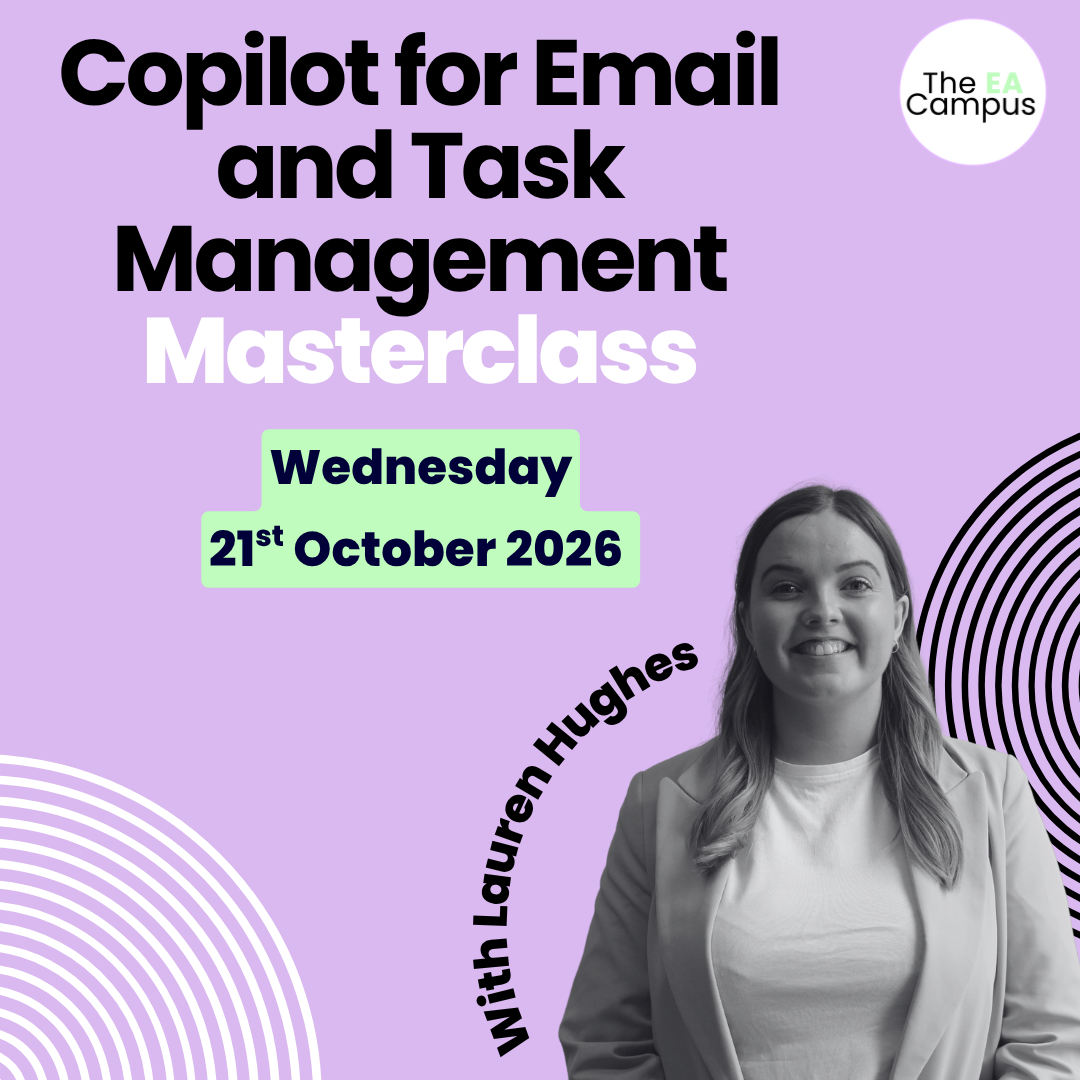
Copilot for Email and Tasks
Management Masterclass

Practical AI training for Executive Assistants focused on email, actions, and task management inside Microsoft 365.

Next Masterclass: 21st October 2026

Days
Hours
Minutes
Seconds

Join our interactive 3-hour Masterclass and learn how to turn emails into clear actions, tasks into structured workflows, and Copilot into a genuine daily assistant.

NEXT DATES: Wednesday 21st October 2026

Email is still where most EA work starts. Requests arrive. Decisions are buried. Actions get scattered across Outlook, Teams, and meetings. Add AI into the mix, and many Assistants are unsure where Copilot genuinely helps and where it creates more noise.

Microsoft Copilot is becoming central to how email, tasks, and collaboration work across Microsoft 365. Copilot for Email and Tasks Management Masterclass is a focused, practical Masterclass designed specifically for Executive Assistants who want to use AI to manage email more effectively, capture actions accurately, and create structured task workflows that actually stick.

Copilot for Executive Assistants Masterclass

This is a practical, implementation-focused Masterclass for busy Assistants who want Copilot to support how they already work, without adding complexity.

AI FOR EMAIL, DONE PROPERLY

Learn how to use Copilot in Outlook and Teams to summarise long threads, extract actions, draft responses, and stay on top of fast-moving conversations.

FROM EMAIL TO TASK, WITHOUT DROPPING THE BALL

Understand how flagged emails, Microsoft To Do, Planner, and Copilot work together so actions are captured, tracked, and completed.

COLLABORATION AND FOLLOW-THROUGH

See how tools like Planner, Loop, and Teams Facilitator help you manage shared tasks, meetings, and projects with clarity and accountability.

MASTERCLASS OVERVIEW

Part One: Copilot Foundations for Email and Action Management

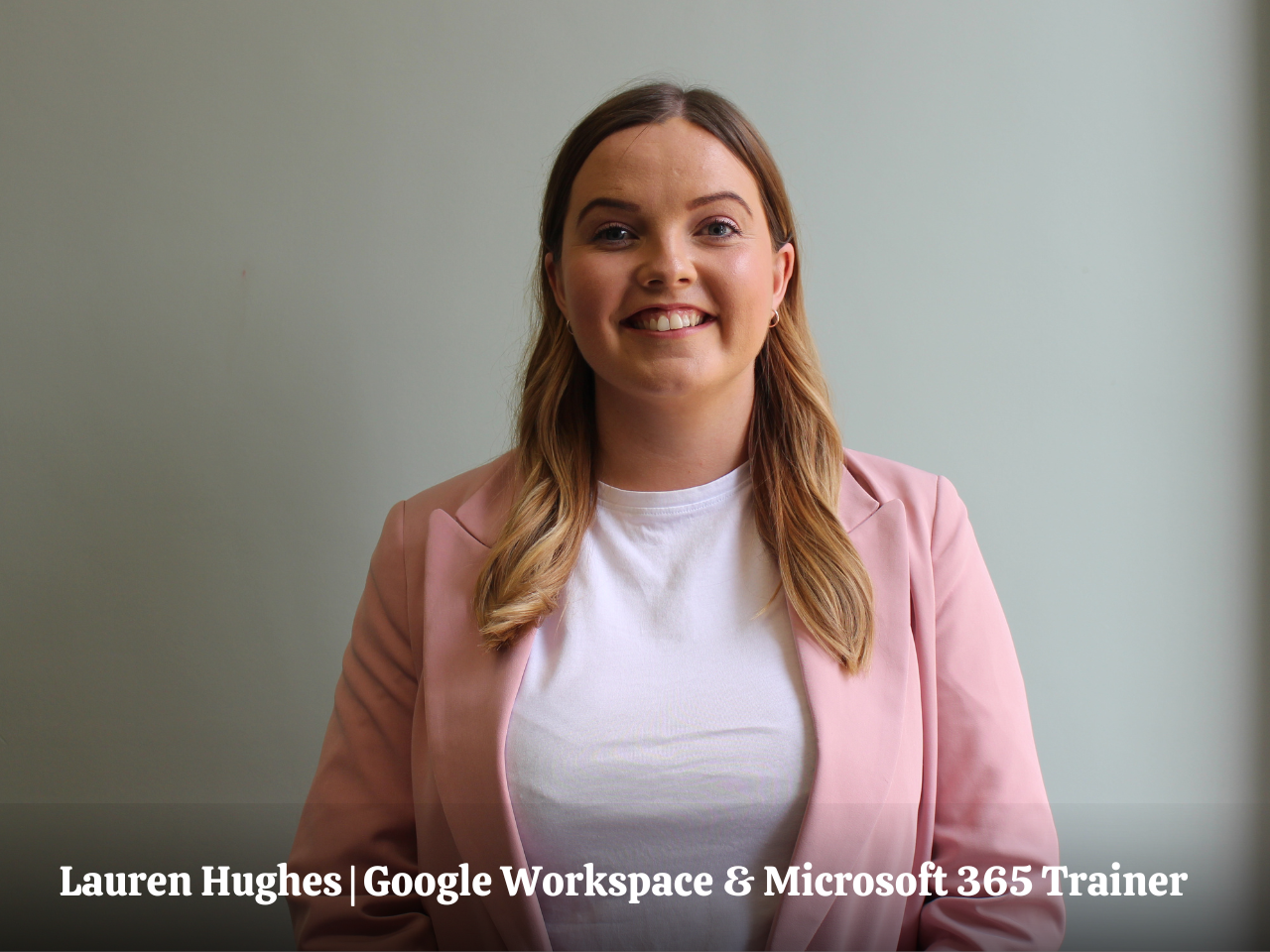
In the Copilot for Email and Task Management Masterclass, we’ll start with a clear introduction to Microsoft Copilot and how it supports email and task management across Microsoft 365. Lauren will explain where Copilot sits, how to access it, and how to use it effectively without over-prompting or relying on guesswork.

You’ll see how Copilot identifies actions in Outlook and Teams, how it summarises conversations, and how to guide it to produce useful, accurate outputs. Lauren will also cover best practices, common pitfalls, and how to set Copilot up so it supports your judgement rather than replacing it. You’ll walk away able to:

Part Two: Turning Email into Tasks and Workflows

This section focuses on the practical reality of EA work. Emails that contain multiple requests. Tasks that live in too many places. Teams that lose track of ownership.

Lauren will show how Outlook flags connect to Microsoft To Do, how Planner fits in the mix, and how Copilot supports both personal and shared task management. You’ll see real examples of moving from inbox to structured task lists, without duplicating work.

In the Copilot for Email and Task Management Masterclass, we’ll also introduce Microsoft Loop as a collaborative workspace for planning, brainstorming, and tracking work across teams, including its integration with Outlook and Teams. You’ll walk away able to:

Part Three: AI-Supported Collaboration and Automation

In the final section of the Copilot for Email and Task Management Masterclass, Lauren will explore how AI supports collaboration and automation across Microsoft 365. You’ll see the Teams Facilitator Agent in action, generating real-time notes, summaries, and action items during meetings.

Lauren will also introduce task automation using Copilot Agents and Power Automate, showing where light automation makes sense for Assistants and where manual control still matters.

You’ll finish the session with a clear picture of how to embed AI into your email and task workflows in a way that feels controlled, practical, and sustainable. You’ll walk away able to:

Key Takeaways

CONFIDENCE USING AI FOR EMAIL

Use Copilot to summarise threads, extract actions, and draft responses so your inbox stays manageable and purposeful.

CLEAR TASK MANAGEMENT ACROSS MICROSOFT 365

Understand how Outlook, To Do, Planner, Loop, and Teams connect so actions are tracked and completed.

COLLABORATION THAT ACTUALLY WORKS

Support teams with shared task visibility, structured planning, and accurate meeting follow-up.

FUTURE-READY EA SKILLS

Position yourself as the EA who understands AI-supported workflows and can lead practical adoption across Microsoft 365.

Join our Copilot for Email and Task Management Masterclass

Pay in your own currency

Join the Masterclass

Wednesday 21st October 2026
£450
  • 3 hour LIVE Masterclass
  • Includes All Slides and Handouts
  • Access to the post-masterclass recording for three months
  • Certificate on completion of the Masterclass
  • BONUS: Productivity Template Bundle

Make the Ask

Download the business case

Don’t let budget approval stop you from enrolling

If you want to take the Masterclass but are unsure how to ask your Executive or L&D department to cover the cost of the course, don’t worry, we have you covered. Download our course brochure and business case. Both documents have helped 100s of Assistants ask their organisations to cover the Masterclass fees and enrol in the event.

    EA's love our Masterclasses, but don’t just take our word for it!

    Bonus

    Productivity Hacks for Assistants

    50 Productivity Templates (Value $90)

    We know that being an Assistant is not just about managing schedules or taking notes. It involves wearing multiple hats, problem-solving on the fly, and ensuring smooth operations amidst the chaos.

    The digital materials provided in this bundle will equip you with the skills and strategies needed to maximise your potential and transform you into an exceptional Assistant.

    Typically valued at $90, these templates are your secret weapon for effortlessly managing your time.

    What You’ll Walk Away With

    Practical skills to use Copilot confidently for managing email, identifying actions, and keeping tasks under control.

    Clear methods for moving from inbox to structured task management using Microsoft To Do, Planner, Loop, and Teams.

    A realistic understanding of how AI fits into EA workflows, including where automation helps and where judgement still matters.

    The confidence to support executives and teams with AI-enabled organisation, follow-through, and clarity.

    Have Questions? We have answers.

    Get answers to make the best choice for you.

    Yes, you will need a Copilot licence to attend the Copilot for Email and Task Management Masterclass. The Masterclass is interactive and will include students working on Copilot during the training. 

    The Copilot for Email and Task Management Masterclass takes place on Wednesday, 21st October 2026, 11am-2pm ET | 4pm-7pm GMT

    Check on WorldTime Buddy to confirm your timezone.

    The Masterclass is 3 hours.

    We would never want you to be unhappy! If you are unsatisfied with your purchase, contact us, and we will review your request.

    Yes, get in touch with us. We will send you an invoice for the course. We also offer discounts for teams of Assistants.

    When you sign up for the masterclass, you’ll also gain access to all the downloadable resources and recorded video training for three months. This way, you can revisit the course at your own pace and at your convenience.

    Absolutely! We have many Assistants from all over the world who have completed the masterclass. The strategies you’ll learn in this Masterclass are universally applicable.

    Join Our Next Masterclass