Copilot & AI for EAs
Masterclass
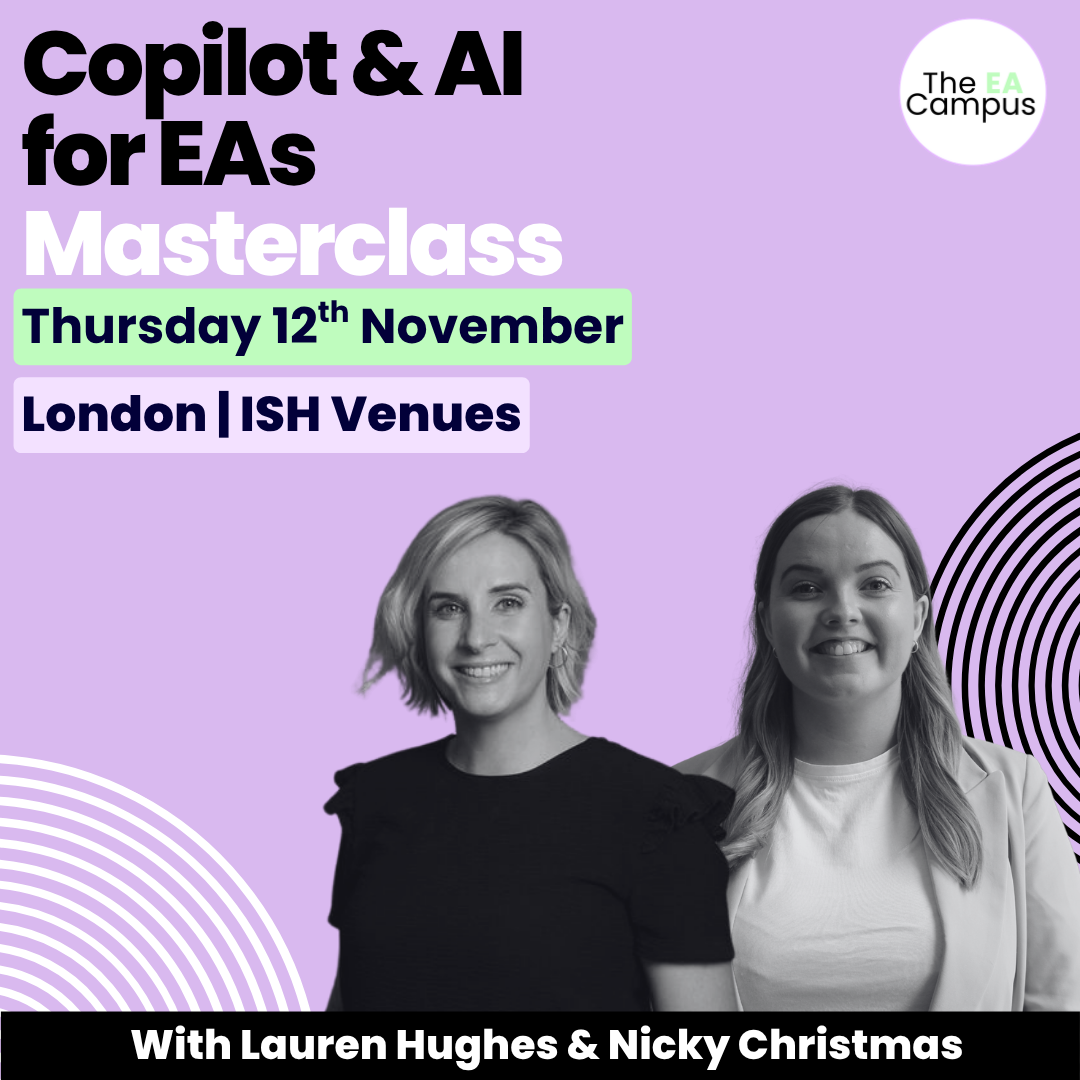
A full-day, in-person training event with Lauren Hughes on Microsoft Copilot and Nicky Christmas on AI Tech Tools – both in the same room, on the same day.
Thursday 12 November 2026 | ISH Venues, London
About this Copilot & AI for EAs Masterclass
This is a half day of hands-on, practical training, in person, in London, designed specifically for Executive Assistants, Personal Assistants, and Administrative Professionals who want to build real confidence with AI tools.
The Copilot & AI Masterclass for Executive Assistants brings together two of the most respected trainers in the EA world: Lauren Hughes, Microsoft Copilot expert, and Nicky Christmas, founder of The EA Campus. Between them, they’ll cover both Microsoft Copilot and the wider AI tools that EAs are using every day to work more effectively.
You’ll leave with practical skills, ready-to-use templates and resources, and a much clearer sense of where these tools fit into your role… and where they don’t.
A practical day of training built around how EAs actually work.
COPILOT ACROSS MICROSOFT 365
Get clear on how Copilot works inside the tools you use every day — Outlook, Teams, Word, Excel, and PowerPoint.
AI TOOLS BEYOND MICROSOFT
Nicky's session covers the AI tools you use independently, outside of Microsoft 365 — including ChatGPT and Claude.
SKILLS YOU CAN USE IMMEDIATELY
Both sessions are built around real EA workflows, not theoretical use cases. You'll leave with a clear sense of where each tool fits in your day and where it doesn't.
MASTERCLASS OVERVIEW
Microsoft Copilot - with Lauren Hughes
11:00am – 1:00pm
Led by Microsoft Copilot expert Lauren Hughes, this practical, hands-on session will show you how to use Copilot confidently across Microsoft 365.
It’s a working session designed for Executive Assistants who want to save time and get more value from the tools they already use every day. Lauren will walk you through how Copilot works in real EA scenarios – Outlook, Teams, Word, Excel, PowerPoint, and beyond. You’ll learn how to write better prompts, summarise emails and meetings, analyse documents and data, prepare reports, and support your Executive more effectively without adding to your workload.
Whether you’re completely new to Copilot or already experimenting, this session will help you understand what Copilot is genuinely good at, where its limits are, and how to use it in a way that supports your role. Expect live demos, clear examples, and practical takeaways you can use immediately back at work.
- Understand how Copilot works across Microsoft 365 and how to use it in real EA scenarios.
- Write effective prompts and use chat confidently.
- Know where Copilot genuinely saves you time and where its limits are.
Lunch & Networking
1:00pm – 1:30pm
A chance to connect with fellow EAs, share experiences, and continue the conversation over lunch.
AI, ChatGPT, Claude & Tech Tools - with Nicky Christmas
1:30pm - 3:30pm
Nicky’s session is designed to complement the morning by focusing on AI tools you use independently, outside of Microsoft – and how they fit into real EA workflows rather than abstract use cases.
You’ll learn how to use ChatGPT and Claude for tasks like inbox triage, meeting preparation, research, travel planning, and drafting clear, professional communications. Nicky will cover how to write better prompts, how to set ChatGPT up so it understands your role and tone, and how to sense-check and refine outputs so they’re genuinely useful.
You’ll also see practical examples of tech tools that support meetings, organisation, and task management — without adding unnecessary complexity to your day.
- Use ChatGPT and Claude for everyday EA tasks.
- Set AI tools up so they understand your role and tone.
- See practical examples of tech tools that support meetings, organisation, and task management.
What you can expect from the day

Two practical, in-person sessions
With trainers who know the EA role well and time to ask questions and work through real examples as you go.

EA WORKFLOWS
A focus on how these tools fit into actual EA workflows, not theoretical use cases or generic demos.

THE FULL AI PICTURE
Coverage across both Microsoft Copilot and independent AI tools, so you leave with a clear picture of what each one does and when to use it.
FUTURE-READY EA SKILLS
Slides from both sessions and a set of downloadable templates and guides to take away and use straight away.
Join our Copilot Masterclass
Pay in your own currency
Join the In-Person Masterclass
Thursday 12th November 2026-
4 Hour In-Person Masterclass
-
Includes All Slides and Handouts
-
Certificate on completion of the Masterclass
-
BONUS: Productivity Template Bundle
Make the Ask
Download the business case
Don’t let budget approval stop you from enrolling
If you want to take the Masterclass but are unsure how to ask your Executive or L&D department to cover the cost of the course, don’t worry, we have you covered. Download our course brochure and business case. Both documents have helped 100s of Assistants ask their organisations to cover the Masterclass fees and enrol in the event.
Meet Your Trainers

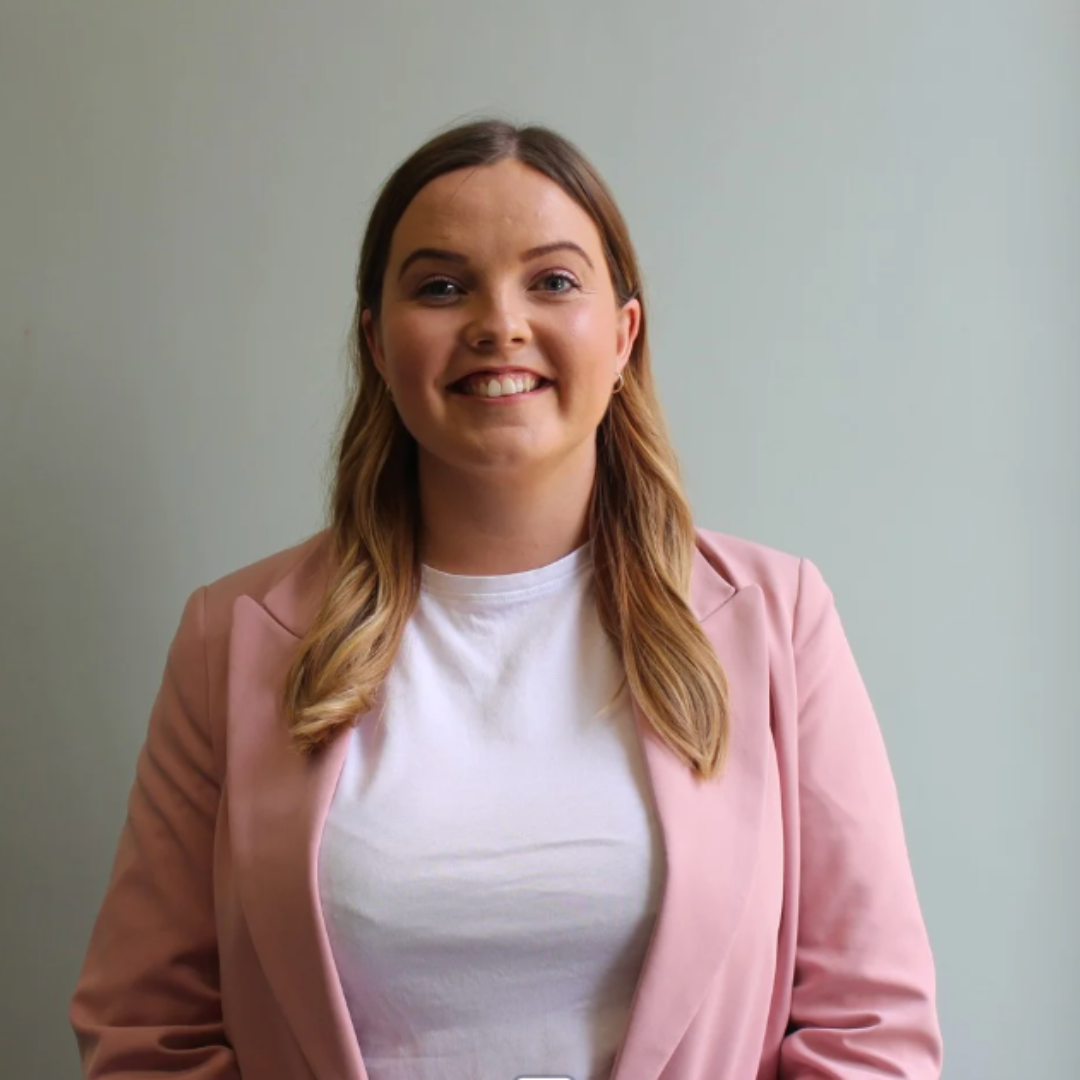
Lauren Hughes: Microsoft Copilot Expert
Lauren is one of the UK's leading Microsoft Copilot trainers, specialising in helping Executive Assistants and support professionals get real, practical value from Microsoft 365. Her sessions are known for being hands-on and genuinely useful with clear guidance on how to use the tools you already have more effectively. Lauren has deep knowledge of how Copilot works across Outlook, Teams, Word, Excel, and PowerPoint, and a sharp eye for where it makes the biggest difference in an EA's day.
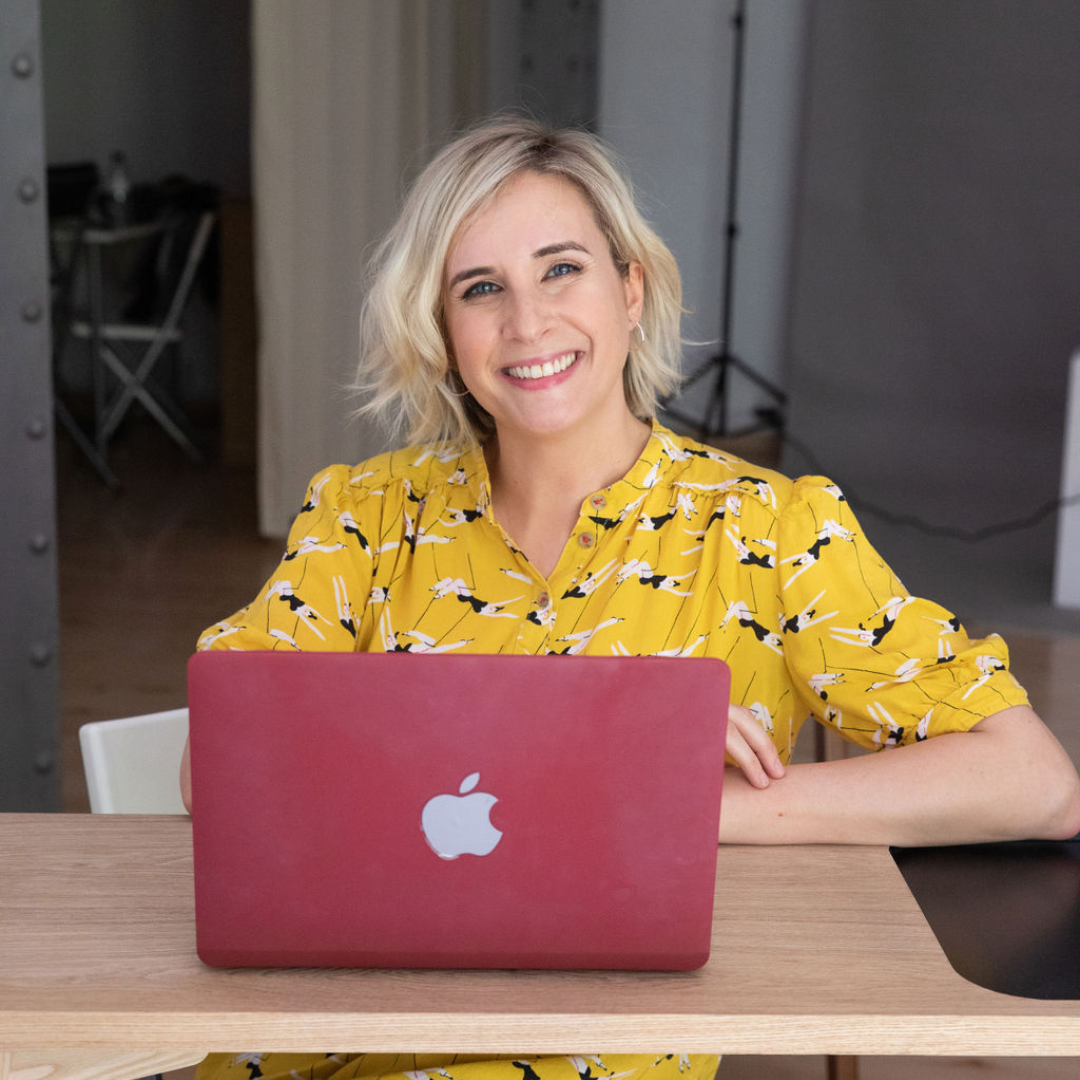
Nicky Christmas: Founder, The EA Campus
Nicky Christmas is the founder of The EA Campus and has spent years training and upskilling Executive Assistants, Personal Assistants, and Administrative Professionals. She knows the role from the inside, and her training reflects that, it is grounded, practical, and focused on what actually works in a busy EA's week. Her AI sessions cover ChatGPT, Claude and a range of everyday tech tools, with a consistent focus on how to use them confidently, securely, and in a way that supports your Executive.
Event Location
ISH Venues, 229 Great Portland St, London W1W 5PN
In the heart of London, just a short walk from Regent’s Park Station, ISH Venues is part of a beautiful, semicircular row of Georgian townhouses designed by the architect John Nash and now Grade 1 listed. Booking with ISH Venues supports their charity, with 100% of the profits going towards funding the educational needs of bright young people from around the world.
What You’ll Walk Away With
Practical skills to confidently navigate Microsoft Copilot, ChatGPT and Claude, understand how prompts work, and apply them effectively.
Step-by-step methods to streamline daily tasks - from drafting documents and emails to summarising meetings, creating presentations, and analysing data.
Systems and tools to integrate Copilot and AI into your workflows, saving hours of admin while improving accuracy, creativity, and productivity.
The confidence to lead the way in AI adoption within your organization, positioning yourself as a forward-thinking EA who can harness technology for measurable impact.
Bonus
Productivity Hacks for Assistants
50 Productivity Templates (Value $90)
We know that being an Assistant is not just about managing schedules or taking notes. It involves wearing multiple hats, problem-solving on the fly, and ensuring smooth operations amidst the chaos.
The digital materials provided in this bundle will equip you with the skills and strategies needed to maximise your potential and transform you into an exceptional Assistant.
Typically valued at $90, these templates are your secret weapon for effortlessly managing your time.
EA's love our Masterclasses, but don’t just take our word for it!
Have Questions? We have answers.
Get answers to make the best choice for you.
The Masterclass takes place at ISH Venues in London. Full address and travel information will be sent to all registered attendees after booking.
Your ticket includes both training sessions, lunch, slides from both sessions, and a set of downloadable templates and resources.
This is an in-person event and won’t be recorded. If you’d like to join us, booking your place is the only way to experience the full day.
No prior experience with Copilot or AI tools is required. Both sessions are designed to be useful whether you’re just getting started or already experimenting with these tools.
Please get in touch if your plans change. Full details of our cancellation and transfer policy can be found here.
Get in touch and we’ll be happy to help.