Transform Your EA Workflow
with Microsoft Copilot

Future-ready skills for Executive Assistants who want to work smarter, communicate faster, and lead confidently in the age of AI.

Next Copilot for Executive Assistants Masterclass: May 6th 2026

Days
Hours
Minutes
Seconds

Join our interactive 3-hour Masterclass and discover how to make Copilot your most powerful productivity partner.

NEXT DATES:
Wednesday 6th May 2026
Wednesday 3rd June 2026

Today’s Assistants are navigating complex workflows, rapid communication cycles, evolving expectations, and an ever-expanding tech stack. Copilot is becoming a core part of that landscape – but most professionals haven’t yet unlocked its real potential inside Microsoft 365.

This exclusive CoPilot for Executive Assistants Masterclass gives you the clarity, confidence, and practical skill to integrate Copilot into the work you already do at a high level.

Copilot for Executive Assistants Masterclass

This is a focused, practical Masterclass for busy Assistants who want to implement Copilot immediately and feel confident using it everyday.

COPILOT ESSENTIALS MADE SIMPLE

Get a clear introduction to Microsoft Copilot — what it is, how it works, and how to access it. Walk away confident in navigating Copilot chat, settings, and prompts.

HANDS-ON PRODUCTIVITY ACROSS MICROSOFT 365

Discover how to use Copilot in Outlook, Word, Excel, PowerPoint, and Teams to save time on admin tasks.

SMARTER WORKFLOWS, SMARTER ASSISTANT

Learn best practices for prompts, files, and images, plus how to use Copilot features like Notebooks, Agents, and integration across apps.

MASTERCLASS OVERVIEW

Part One: Laying the Copilot Foundations

We’ll begin the Copilot for Executive Assistants Masterclass with a guided introduction to Microsoft Copilot — what it is, how it works, and why it’s set to transform the way you manage daily workflows. Together, we’ll explore best practices, how to access Copilot, and how to get started with chat, prompts, and navigation.

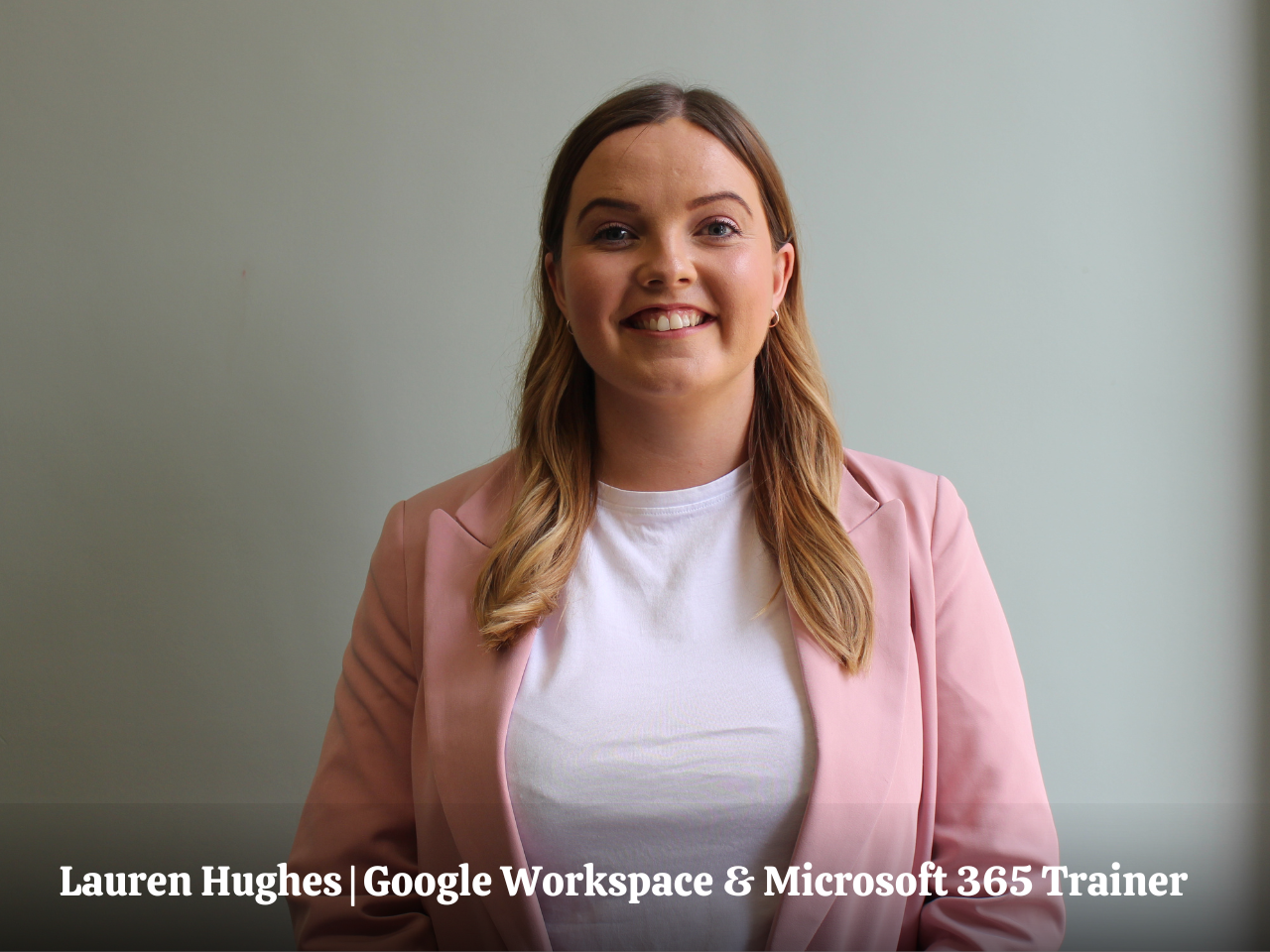
Lauren will walk you through practical demonstrations of Copilot’s setup, settings, and the difference between Work vs Web, so you feel confident from the outset. You’ll also learn the fundamentals of prompting — what makes an effective prompt, how Copilot responds, and how to avoid common mistakes.

To close this section, we’ll explore Copilot’s advanced features like Notebooks, Agents, and Research tools, giving you a clear picture of how it can fit into your EA role. You’ll walk away able to:

Part Two: Copilot in Action Across Microsoft 365

In this section, we’ll get hands-on with Copilot in the tools you use every day — Outlook, Word, Excel, PowerPoint, and Teams.

Lauren will guide you step-by-step through practical use cases: writing and summarising emails in Outlook, creating and refining documents in Word, building presentations in PowerPoint, and analysing data in Excel. You’ll also see how Copilot can summarise Teams meetings and chats, helping you cut through noise and keep track of actions.

Through live demonstrations and examples, you’ll discover how Copilot can save hours each week while helping you deliver work with accuracy, clarity, and professionalism. You’ll walk away able to:

Part Three: Embedding Copilot into Your Workflows

The final part of the Copilot for Executive Assistants Masterclass is about making Copilot a seamless part of your daily routine. We’ll look at strategies to integrate Copilot into core EA tasks, from inbox triage to meeting prep and reporting, without disrupting your current systems.

Lauren will also cover how to manage files and images with Copilot, apply it as a researcher and analyst, and build repeatable workflows that align with your Executive’s needs. Through guided exercises, you’ll learn how to combine prompting best practices with workflow design to maximise efficiency and maintain control.

To finish, you’ll reflect on what you’ve learned and set personal goals for embedding Copilot into your work. You’ll walk away able to:

Key Takeaways

CONFIDENCE WITH COPILOT

Gain a solid understanding of what Microsoft Copilot is, how to access it, and how to use prompts effectively so you can get confident with the essentials straight away.

COPILOT ACROSS MICROSOFT 365

Discover how to apply Copilot in Outlook, Word, Excel, PowerPoint, and Teams, from drafting documents and emails to analysing data, building presentations, and summarising meetings.

WORKFLOW INTEGRATION & PRODUCTIVITY

Learn how to embed Copilot into your daily routines, streamline admin, and create repeatable workflows that save time, reduce stress, and boost your value as an EA.

FUTURE-READY EA SKILLS

Walk away with the confidence and credibility to lead AI adoption in Microsoft 365, positioning yourself as a forward-thinking EA who drives efficiency and innovation.

Join our Copilot Masterclass

Pay in your own currency

Join the March Masterclass

Wednesday 6th May 2026
£450
  • 3 hour LIVE Masterclass
  • Includes All Slides and Handouts
  • Access to the post-masterclass recording for three months
  • Certificate on completion of the Masterclass
  • BONUS: Productivity Template Bundle

Join the March Masterclass

Wednesday 3rd June 2026
£450
  • 3 hour LIVE Masterclass
  • Includes All Slides and Handouts
  • Access to the post-masterclass recording for three months
  • Certificate on completion of the Masterclass
  • BONUS: Productivity Template Bundle

Make the Ask

Download the business case

Don’t let budget approval stop you from enrolling

If you want to take the Masterclass but are unsure how to ask your Executive or L&D department to cover the cost of the course, don’t worry, we have you covered. Download our course brochure and business case. Both documents have helped 100s of Assistants ask their organisations to cover the Masterclass fees and enrol in the event.

    What You’ll Walk Away With

    Practical skills to confidently navigate Microsoft Copilot, understand how prompts work, and apply them effectively across Outlook, Word, Excel, PowerPoint, and Teams.

    Step-by-step methods to streamline daily tasks - from drafting documents and emails to summarising meetings, creating presentations, and analysing data.

    Systems and tools to integrate Copilot into your workflows, saving hours of admin while improving accuracy, creativity, and productivity.

    The confidence to lead the way in AI adoption within your organization, positioning yourself as a forward-thinking EA who can harness technology for measurable impact.

    Bonus

    Productivity Hacks for Assistants

    50 Productivity Templates (Value $90)

    We know that being an Assistant is not just about managing schedules or taking notes. It involves wearing multiple hats, problem-solving on the fly, and ensuring smooth operations amidst the chaos.

    The digital materials provided in this bundle will equip you with the skills and strategies needed to maximise your potential and transform you into an exceptional Assistant.

    Typically valued at $90, these templates are your secret weapon for effortlessly managing your time.

    EA's love our Masterclasses, but don’t just take our word for it!

    Have Questions? We have answers.

    Get answers to make the best choice for you.

    Yes, you will need to have a Copilot licence to take the Masterclass. The Masterclass is interactive and will include students working on Copilot during the training. 

    The Copilot for EAs Masterclass takes place on:

    • Wednesday 6th May: 11am-2pm ET | 4pm-7pm GMT
    • Wednesday 3rd June: 11am-2pm ET | 4pm-7pm GMT

    Check on WorldTime Buddy to confirm your timezone.

    The Masterclass is 3 hours.

    We would never want you to be unhappy! If you are unsatisfied with your purchase, contact us, and we will review your request. Full Terms & Conditions can be reviewed here

    Yes, get in touch with us. We will send you an invoice for the course. We also offer discounts for teams of Assistants.

    When you sign up for the masterclass, you’ll also gain access to all the downloadable resources and recorded video training for three months. This way, you can revisit the course at your own pace and at your convenience.

    Absolutely! We have many Assistants from all over the world who have completed the masterclass. The strategies you’ll learn in this Masterclass are universally applicable.

    Join Our Next Masterclass