Copilot Notebooks and AI Agents
Masterclass

Use Copilot Notebooks and AI Agents to turn AI into structured, reliable support for your role

Next Masterclass: 5th August 2026

Days
Hours
Minutes
Seconds

You will learn how to use Copilot Notebooks to ground AI responses in your own content, and how AI Agents can support repeatable tasks and workflows.

NEXT DATES: Wednesday 5th August 2026

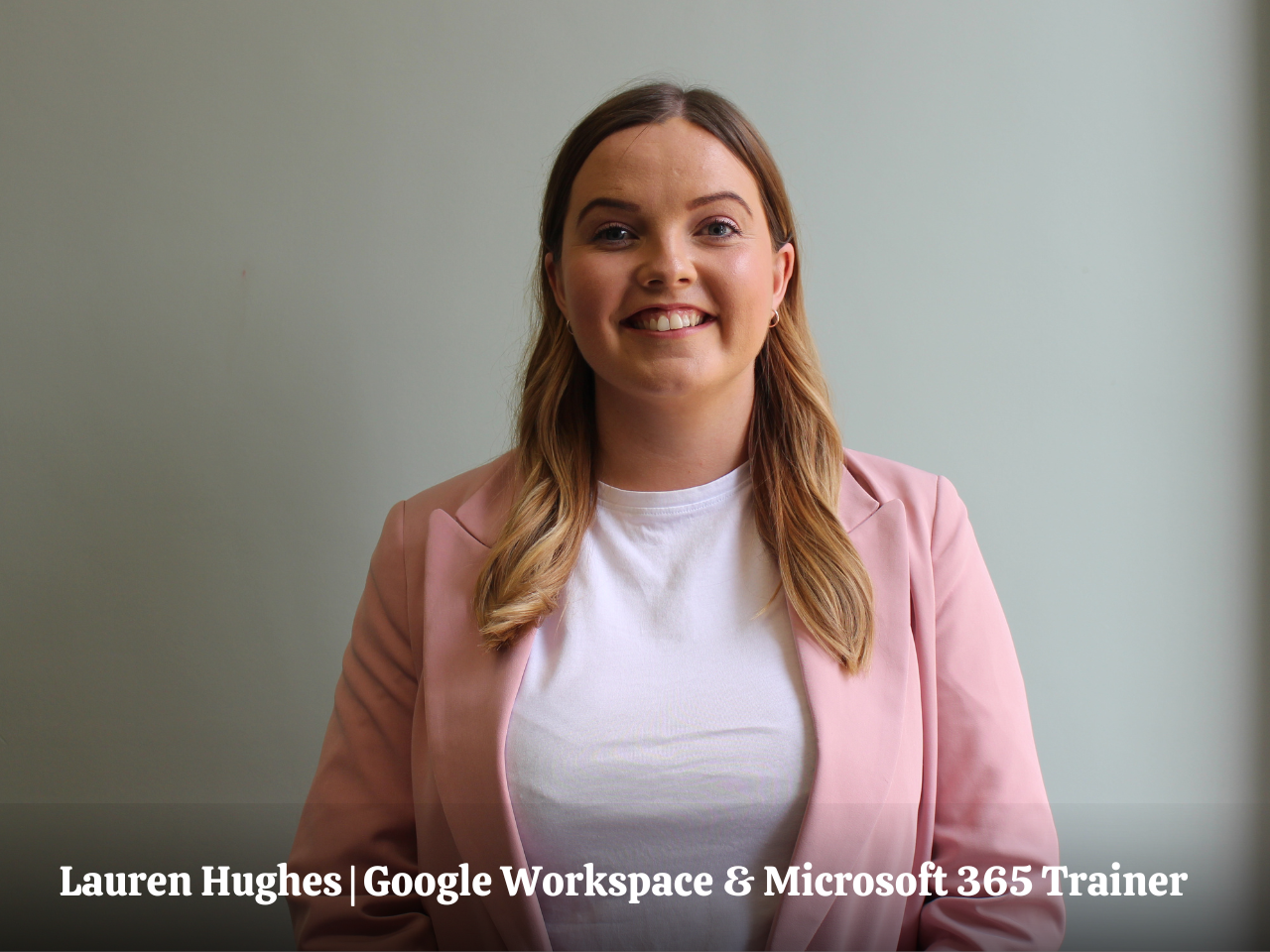
In this session, Lauren will show you how to move beyond basic Copilot use and start working with tools that make AI more structured, reliable, and tailored to your role. This is a practical session focused on helping you understand how these tools fit into Microsoft 365 and how they can be used to support your day-to-day work. The focus is on control, consistency, and using AI in a way that reflects how you and your Executive actually work.

Copilot for Executive Assistants Masterclass

This is a practical, implementation-focused Masterclass for busy Assistants who want to use Copilot more effectively by grounding outputs and creating AI workflows that support real tasks.

FROM GENERAL AI TO GROUNDED OUTPUTS

Learn how to use Copilot Notebooks to work with your own documents, emails, and content so outputs are relevant, accurate, and tailored to your context.

BUILD AI SUPPORT FOR REPEATABLE TASKS

Understand how AI Agents can be used to support common workflows, helping you handle recurring tasks more efficiently without starting from scratch each time.

STRUCTURE, CONSISTENCY, AND CONTROL

See how Notebooks and Agents give you more control over how AI works, helping you create consistent outputs that reflect your role and your organisation.

MASTERCLASS OVERVIEW

HOW NOTEBOOKS AND AGENTS FIT INTO YOUR WORK

Copilot Notebooks and AI Agents extend what Copilot can do by making outputs more grounded and workflows more structured. Instead of relying on general prompts, you can work from curated content and defined tasks, which improves both accuracy and consistency.

In this section, you will get clear on what these tools are, how they differ from standard Copilot use, and where they fit within Microsoft 365. The focus is on understanding when and why to use them in your role.

NOTEBOOKS, REFERENCES, AND AGENTS

Copilot Notebooks allow you to bring together documents, emails, and other content into one place, giving you a structured way to analyse, summarise, and generate outputs. You can ask questions, create summaries, and build new content based on reliable sources.

Alongside this, AI Agents help you define repeatable processes. You will learn how to use pre-built Agents, create your own, and explore how Copilot Studio can support more advanced use cases, all with a focus on practical application.

SHARING, SCALING, AND PRACTICAL USE CASES

These tools become more valuable when they are shared and used across a team. Notebooks can be used to create consistent outputs that others can review and build on, while Agents can support shared workflows and standardise how tasks are handled.

In this section, you will see how to share Notebooks and Agents, support collaboration, and apply these tools in real scenarios, from briefing preparation to ongoing task management.

Key Takeaways

CONFIDENCE USING COPILOT WITH YOUR OWN CONTENT

Work with documents, emails, and references to generate outputs that are relevant, accurate, and grounded in your day-to-day work.

FASTER, MORE CONSISTENT TASK EXECUTION

Use AI Agents to support repeatable tasks, helping you handle common workflows more efficiently and consistently.

CLEAR STRUCTURE FOR AI-DRIVEN WORKFLOWS

Organise information and processes using Notebooks and Agents so your outputs are easier to manage, review, and reuse.

PRACTICAL AI WORKFLOWS FOR EAs

Apply Notebooks and Agents to real scenarios, supporting your Executive and team with structured, reliable, and scalable ways of working.
Join our Copilot Notebooks and AI Agents Masterclass

Pay in your own currency

Join the Masterclass

Wednesday 5th August 2026
£195
  • 1.5 hour LIVE Masterclass
  • Includes All Slides and Handouts
  • Access to the post-masterclass recording for three months
  • Certificate on completion of the Masterclass
  • BONUS: Productivity Template Bundle

On-Demand Recording Access

Watch the full Copilot Masterclass in your own time
£95
  • Perfect for EAs who need more flexibility or cannot attend live
  • Full Masterclass recording
  • All slides and downloadable resources
  • Certificate on completion of the Masterclass
  • Three months of access

Take Your Training Further

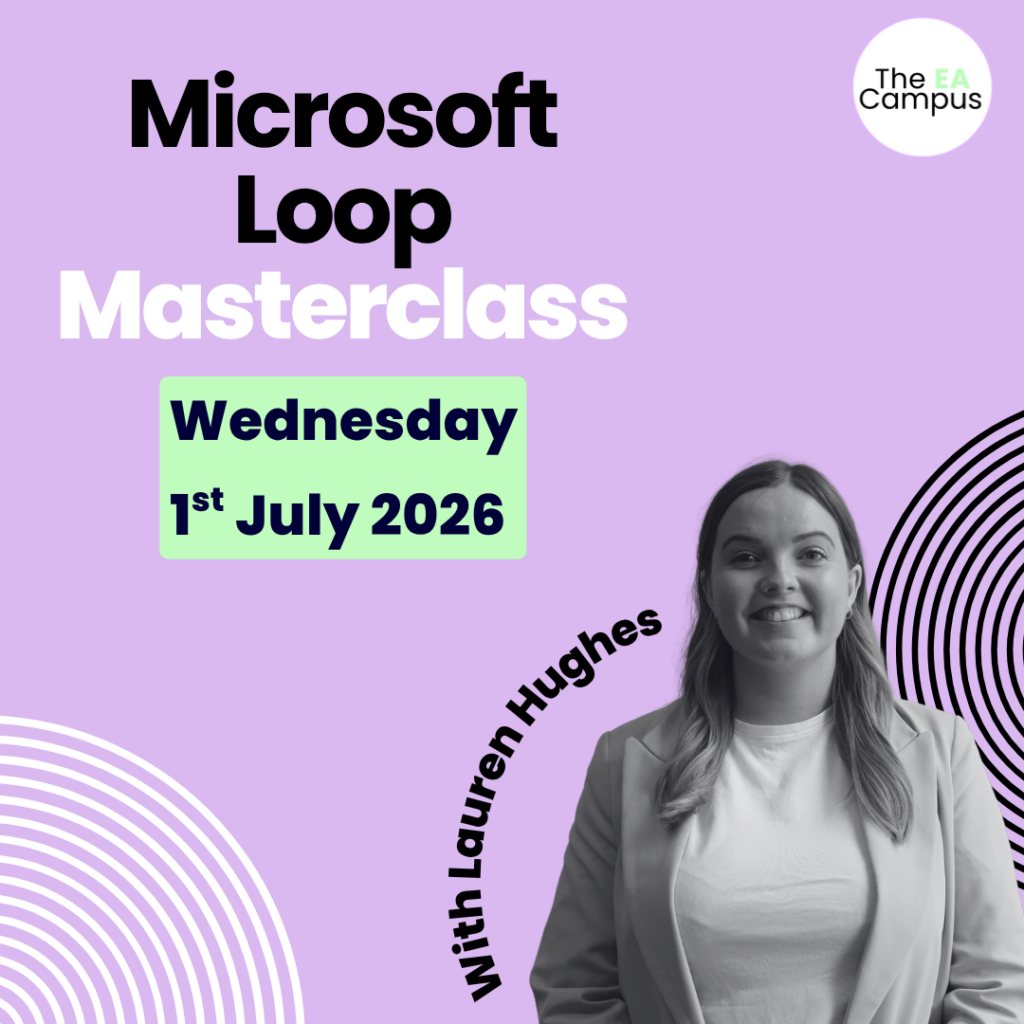
Pair Copilot Notebooks and AI Agents with Microsoft Loop

Join Our AI Summer School 

Copilot Notebooks and AI Agents help you generate structured, reliable outputs. Microsoft Loop is where that work comes to life and stays organised.

Our Microsoft Loop Masterclass shows you how to create shared workspaces where information stays up to date, actions are visible, and teams can collaborate without confusion. Together, these two sessions give you a complete workflow.

Join our Microsoft Summer School

Wednesday 1st July & Wednesday 5th August 2026
£325
  • Microsoft Training for Executive Assistants
  • Includes All Slides and Handouts
  • Access to the post-masterclass recording for three months
  • Certificate on completion of the Masterclass
  • BONUS: Productivity Template Bundle

Make the Ask

Download the business case

Don’t let budget approval stop you from enrolling

If you want to take the Masterclass but are unsure how to ask your Executive or L&D department to cover the cost of the course, don’t worry, we have you covered. Download our course brochure and business case. Both documents have helped 100s of Assistants ask their organisations to cover the Masterclass fees and enrol in the event.

    EA's love our Masterclasses, but don’t just take our word for it!

    Bonus

    Productivity Hacks for Assistants

    50 Productivity Templates (Value $90)

    We know that being an Assistant is not just about managing schedules or taking notes. It involves wearing multiple hats, problem-solving on the fly, and ensuring smooth operations amidst the chaos.

    The digital materials provided in this bundle will equip you with the skills and strategies needed to maximise your potential and transform you into an exceptional Assistant.

    Typically valued at $90, these templates are your secret weapon for effortlessly managing your time.

    What You’ll Walk Away With

    The ability to use Copilot Notebooks to work through documents, emails, and content with more accuracy and context.

    Clear methods for moving from general prompts to structured, grounded outputs using your own references and materials.

    A realistic understanding of how AI Agents can support repeatable tasks and workflows across your role.

    The confidence to support executives and teams with consistent, reliable outputs and more structured AI-driven workflows.

    Have Questions? We have answers.

    Get answers to make the best choice for you.

    Copilot Notebooks and AI Agents are part of Microsoft 365, and availability may vary depending on your organisation’s setup. The Masterclass is interactive, and we recommend having access so you can follow along and practise during the session.

    The Copilot Notebooks & AI Agents Masterclass takes place on Wednesday, 5th August 2026, 11am-12.30pm ET | 4pm-5.30pm GMT

    Check on WorldTime Buddy to confirm your timezone.

    The Masterclass is 1.5 hours.

    We would never want you to be unhappy! If you are unsatisfied with your purchase, contact us, and we will review your request.

    Yes, get in touch with us. We will send you an invoice for the course. We also offer discounts for teams of Assistants.

    When you sign up for the masterclass, you’ll also gain access to all the downloadable resources and recorded video training for three months. This way, you can revisit the course at your own pace and at your convenience.

    Absolutely! We have many Assistants from all over the world who have completed the masterclass. The strategies you’ll learn in this Masterclass are universally applicable.

    Yes, subject to availability. Get in touch for more details. 

    Access details will be sent after the live Masterclass has finished. We aim to deliver all post-event recordings to our attendees and on-demand customers the day after the Masterclass. 

    Yes. All attendees and on-demand customers receive all downloadable materials included with the live session.

    Join Our Next Masterclass