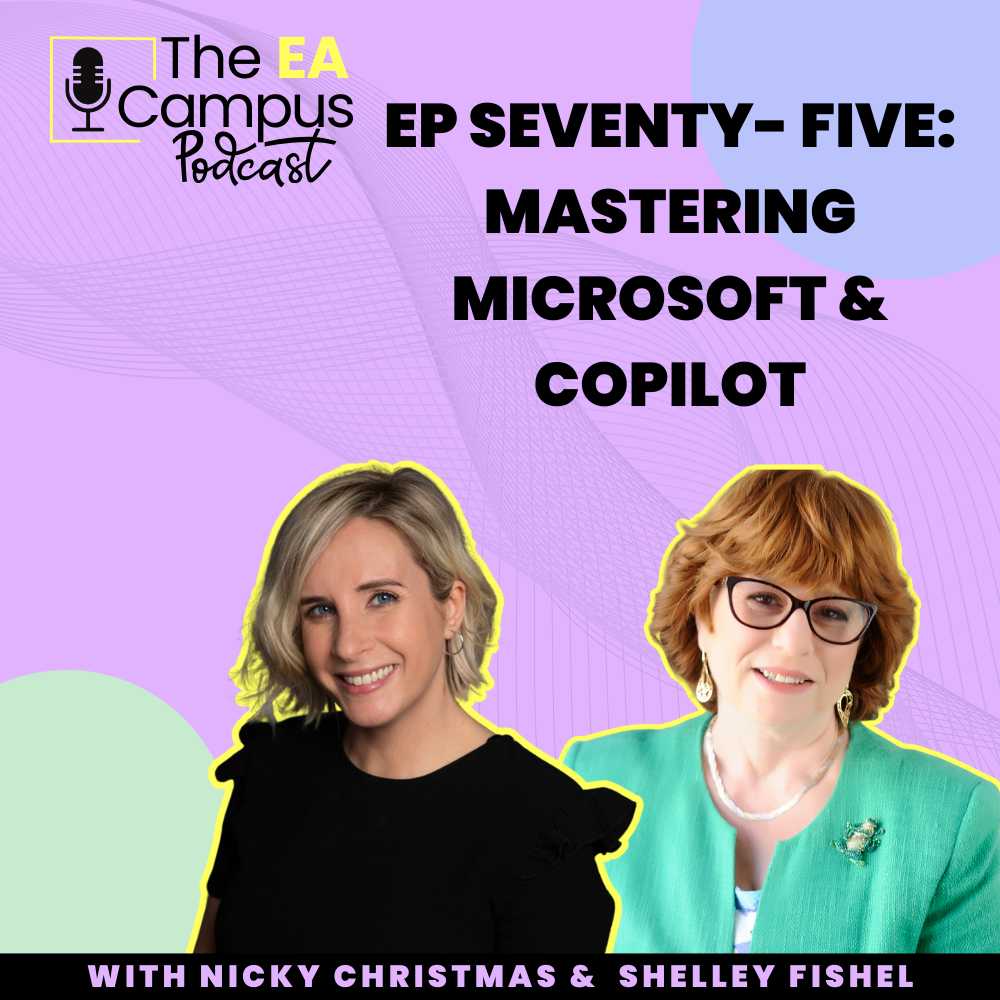
The EA Campus Podcast Ep75: Mastering Microsoft & Copilot with Shelley Fishel brings you a deep dive into the tools, skills, and mindset every Executive Assistant needs to thrive in a Microsoft-powered workplace. I’m joined by Shelley Fishel, known across our community as the Microsoft Office Maestro and founder of Tomorrow’s VA, for a practical and inspiring conversation about the fundamentals and the future of Microsoft 365.
In The EA Campus Podcast Ep75: Mastering Microsoft & Copilot with Shelley Fishel, we talk about how Copilot is changing the way Assistants manage inboxes, meetings, and documents, while also digging into why the basics of Outlook, PowerPoint, and Excel still matter. Shelley shares real-world stories from her training sessions, showing how EAs can use features like Quick Steps, Slide Masters, and Rules to save hours every week.
You’ll also hear why The EA Campus Podcast Ep75: Mastering Microsoft & Copilot with Shelley Fishel is a must-listen if you’re lobbying your organisation for Copilot licences. Shelley explains the security advantages of Copilot within Microsoft tenants compared with public AI tools, and why assistants are often the people who benefit most from this technology.
Beyond the tech, The EA Campus Podcast Ep75: Mastering Microsoft & Copilot with Shelley Fishel explores the mindset shifts that keep EAs ahead of the curve. Shelley talks about adopting a learning mindset, saying yes and figuring it out, and making space to master one tool at a time instead of being overwhelmed by everything at once.
Finally, we wrap up with Shelley’s take on the bigger picture: why Assistants won’t be replaced by AI any time soon, how to approach Microsoft’s lesser-known gems like Loop, Sway, and Lists, and why The EA Campus Podcast Ep75: Mastering Microsoft & Copilot with Shelley Fishel is packed with insights you can apply straight away.
What you’ll learn in Ep75:
Practical ways EAs can use Copilot today in Outlook, Teams, Word and beyond
Why knowing the basics (formatting, slide masters, rules/quick steps) saves hours every week
How to make a case for Copilot licences, and the security benefits of using it inside your tenant
Mindset shifts to keep pace with fast-moving tech (without chasing every shiny thing)
Where Microsoft 365 is quietly evolving—and the features most assistants overlook
Tools, features & terms mentioned:
Microsoft Copilot across Outlook, Word, Teams, and forthcoming Excel capabilities
Outlook: Quick Steps, Rules, prioritising the inbox
PowerPoint: Slide Master, custom layouts, brand-safe decks
Microsoft Loop, Copilot Pages
Microsoft Sway
Microsoft Forms, Microsoft Lists, Microsoft Bookings
Security/Tenant awareness
Other AI tools touched on: ChatGPT, Claude, Perplexity