
Microsoft Loop
Masterclass
Practical AI training for Executive Assistants focused on creating collaborative workspaces in Microsoft Loop.
Next Masterclass: 1st July 2026
This is a practical session designed to help you understand where Loop fits within Microsoft 365 and how you can start using it straight away in your role.
NEXT DATES: Wednesday 1st July 2026
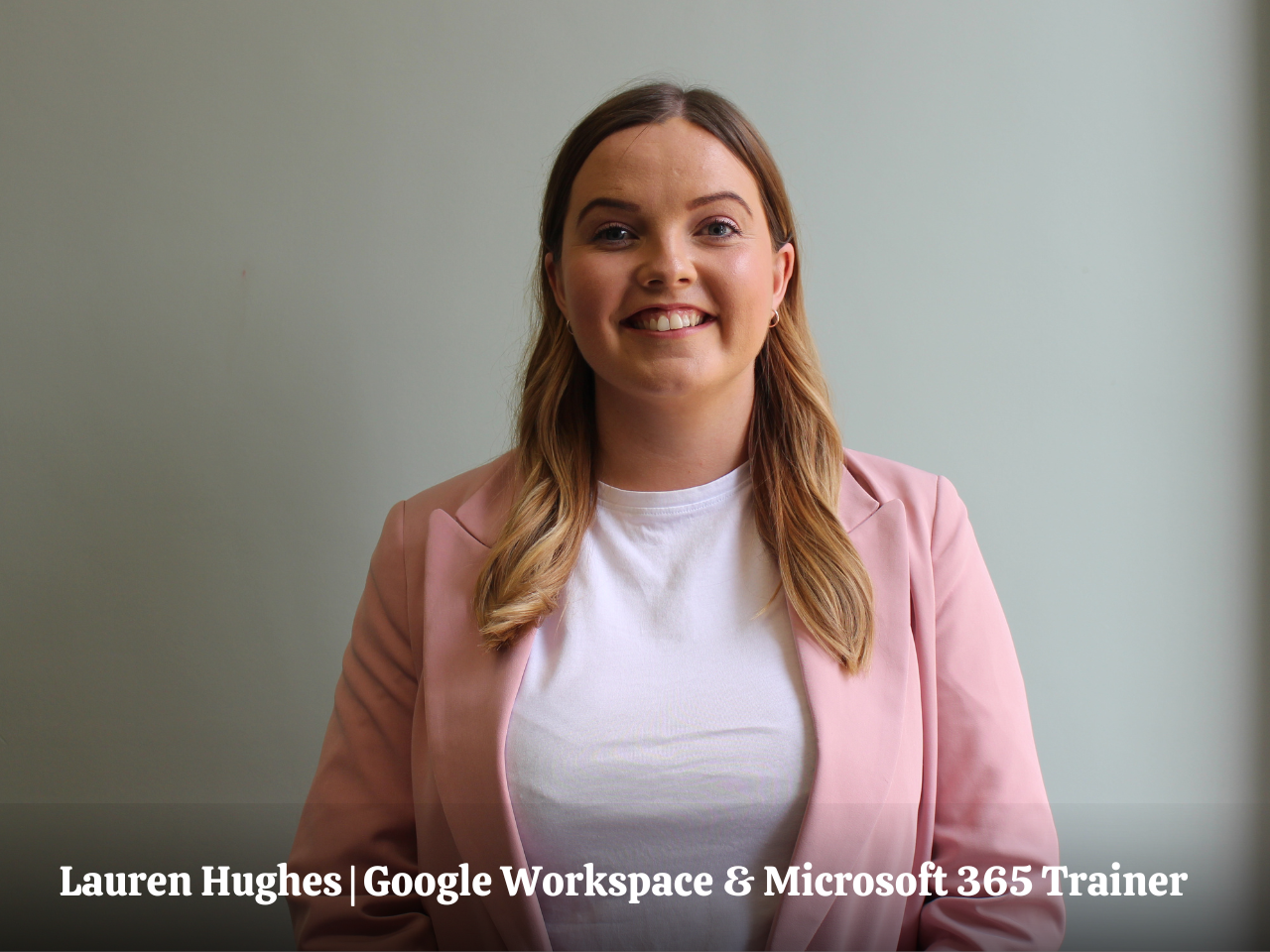
In this session, Lauren will walk you through how Microsoft Loop changes the way teams plan, share, and work together. You will see how to move away from static documents and emails, and instead build flexible, shared workspaces where information stays live, connected, and easy to update.
You will explore how Loop supports collaboration across teams, projects, and conversations, without losing track of updates or duplicating work.
This is a practical, implementation-focused Masterclass for busy Assistants who want Microsoft Loop to support how they already work, without adding complexity.
FROM NOTES TO SHARED WORKSPACES
Learn how to use Microsoft Loop to move beyond static documents and create flexible workspaces where notes, plans, and updates are all in one place and easy to keep up to date.
KEEP EVERYTHING IN SYNC
Understand how Loop components work across Teams, Outlook, and documents so information stays consistent, actions stay visible, and you avoid chasing the latest version.
COLLABORATION THAT ACTUALLY WORKS
See how Loop supports real-time collaboration so your team can plan, update, and move work forward together, with clear ownership and no gaps in follow-up.
MASTERCLASS OVERVIEW
FOUNDATIONS. HOW MICROSOFT LOOP FITS INTO YOUR WORK
Microsoft Loop introduces a more connected way of working across Microsoft 365. Instead of switching between tools and duplicating information, Loop allows you to bring content together into shared, flexible spaces that stay up to date wherever they are used. It helps you move away from static notes and disconnected documents.
In this section, you will get clear on where Loop fits within your existing setup and how it works alongside tools you already rely on, including Teams, Outlook, and OneNote. The focus is on understanding when to use Loop and how it can simplify the way you manage information across your role.
- What Microsoft Loop is and how it connects across Microsoft 365
- How Loop works alongside Teams, Outlook, and OneNote in your day-to-day role
- How to create a more connected way of working without duplicating information
STRUCTURING WORK. WORKSPACES, PAGES, AND COMPONENTS
Loop gives you a simple way to organise information so it is easy to find, update, and share. Workspaces and pages allow you to group related content together, while components let you break that content into smaller, flexible pieces that can be reused across different tools and conversations.
This section focuses on helping you build structure into your work without adding complexity. You will learn how to keep information clear and consistent, reduce duplication, and avoid the common issue of multiple versions of the same document across emails and files.
- How to organise information using Loop workspaces and pages
- How to break content into reusable components that can live across tools
- How to keep information clear, structured, and easy to update
COLLABORATION. REAL-TIME WORK AND PRACTICAL USE CASES
Loop supports real-time collaboration, making it easier for teams to work together in the same space with full visibility of updates. Everyone can contribute, edit, and move work forward without waiting for files to be shared or updated, which helps keep progress clear and reduces delays.
In this section, you will see practical ways to use Loop in your role, from managing meetings and tracking actions to coordinating projects across teams. You will also explore how Loop integrates with tools like Copilot to support more connected workflows and reduce the need for manual follow-ups.
- How teams can work together in real time with shared visibility of updates
- Practical ways to use Loop for meetings, action tracking, and project coordination
- How Loop integrates with tools like Copilot to support connected workflows
Key Takeaways

CLEAR STRUCTURE ACROSS PROJECTS AND MEETINGS
Use pages and components to organise work clearly, making it easier to track actions, manage projects, and keep everything easy to find.

CONNECTED WORKSPACES THAT STAY UP TO DATE
Create shared Loop workspaces where notes, plans, and updates live in one place, so your team is always working from the latest information.

REAL-TIME COLLABORATION WITHOUT VERSION ISSUES
Work with others in the same space at the same time, with updates reflected instantly so there is no confusion over the latest version.

PRACTICAL MICROSOFT LOOP WORKFLOWS FOR EAs
Apply Loop to meeting planning, action tracking, and team coordination, helping you manage information efficiently across Microsoft 365.
Join our Microsoft Loop Masterclass
Pay in your own currency
Join the Masterclass
Wednesday 1st July 2026-
1.5 hour LIVE Masterclass
-
Includes All Slides and Handouts
-
Access to the post-masterclass recording for three months
-
Certificate on completion of the Masterclass
-
BONUS: Productivity Template Bundle
On-Demand Recording Access
Watch the full Loop Masterclass in your own time-
Perfect for EAs who need more flexibility or cannot attend live
-
Full Masterclass recording
-
All slides and downloadable resources
-
Certificate on completion of the Masterclass
-
Three months of access
Take Your Training Further
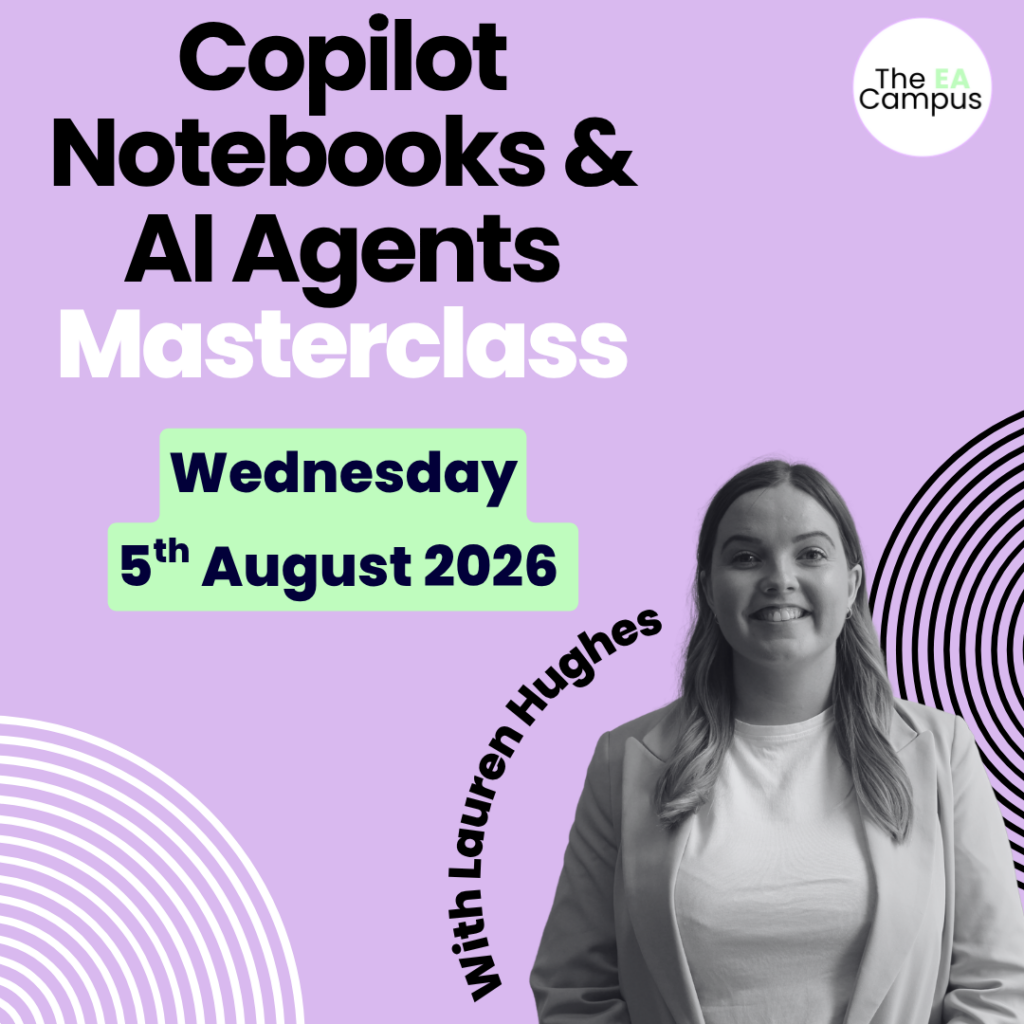
Pair Loop with Copilot Notebooks and AI Agents
Join Our AI Summer School
If you want to get more out of Microsoft Loop, the next step is to understand how AI supports the work happening in those shared spaces.
Our Copilot Notebooks and AI Agents Masterclass shows you how to ground AI in your own documents, create consistent outputs, and build repeatable workflows that support your day-to-day role. Together, these two sessions provide a comprehensive approach.
- Loop helps you structure and manage shared work
- Copilot Notebooks and Agents help you analyse, create, and automate within that structure
Join our Microsoft Summer School
Wednesday 1st July & Wednesday 5th August 2026-
Microsoft Training for Executive Assistants
-
Includes All Slides and Handouts
-
Access to the post-masterclass recording for three months
-
Certificate on completion of the Masterclass
-
BONUS: Productivity Template Bundle
Make the Ask
Download the business case
Don’t let budget approval stop you from enrolling
If you want to take the Masterclass but are unsure how to ask your Executive or L&D department to cover the cost of the course, don’t worry, we have you covered. Download our course brochure and business case. Both documents have helped 100s of Assistants ask their organisations to cover the Masterclass fees and enrol in the event.
EA's love our Masterclasses, but don’t just take our word for it!
Bonus
Productivity Hacks for Assistants
50 Productivity Templates (Value $90)
We know that being an Assistant is not just about managing schedules or taking notes. It involves wearing multiple hats, problem-solving on the fly, and ensuring smooth operations amidst the chaos.
The digital materials provided in this bundle will equip you with the skills and strategies needed to maximise your potential and transform you into an exceptional Assistant.
Typically valued at $90, these templates are your secret weapon for effortlessly managing your time.
What You’ll Walk Away With
Practical skills to use Microsoft Loop for organising projects, structuring information, and keeping shared workspaces clear and up to date.
Clear methods for moving from scattered notes and messages to structured, shared workspaces using Loop pages and components across Microsoft 365.
A realistic understanding of how collaboration works in Loop, including how information stays in sync and how teams contribute in real time.
The confidence to support executives and teams with shared planning, visible actions, and consistent follow-through using connected workflows.
Have Questions? We have answers.
Get answers to make the best choice for you.
Microsoft Loop is available in most Microsoft 365 plans. The Masterclass is interactive and we suggest students work on Loop during the training.
The Microsoft Loop Masterclass takes place on Wednesday 1st July 2026, 11am-12.30pm ET | 4pm-5.30pm GMT
Check on WorldTime Buddy to confirm your timezone.
The Masterclass is 1.5 hours.
We would never want you to be unhappy! If you are unsatisfied with your purchase, contact us, and we will review your request.
Yes, get in touch with us. We will send you an invoice for the course. We also offer discounts for teams of Assistants.
When you sign up for the masterclass, you’ll also gain access to all the downloadable resources and recorded video training for three months. This way, you can revisit the course at your own pace and at your convenience.
Absolutely! We have many Assistants from all over the world who have completed the masterclass. The strategies you’ll learn in this Masterclass are universally applicable.